Edge AI Deployment Checklist: Optimizing TensorFlow Lite for Raspberry Pi
JUN 26, 2025 |
Understanding TensorFlow Lite
TensorFlow Lite is a lightweight, open-source deep learning framework tailored for edge devices. Its primary advantage is the ability to run inference with minimal computational and power resources, making it ideal for devices like Raspberry Pi. TensorFlow Lite models are typically smaller and faster, providing efficient performance even in resource-constrained environments.
Choosing the Right Raspberry Pi Model
Not all Raspberry Pi models are created equal. Selecting the right model is crucial for achieving the desired performance:
1. Raspberry Pi 4 Model B: With up to 8GB of RAM and a 1.5GHz 64-bit quad-core ARM processor, this model is well-suited for running machine learning tasks efficiently.
2. Raspberry Pi 3 Model B+: While slightly less powerful, it can still handle lighter models and applications effectively.
3. Considerations: Evaluate the specific requirements of your AI model, such as RAM, processing power, and connectivity, before making a decision.
Preparing the Raspberry Pi Environment
Before deploying TensorFlow Lite, ensure your Raspberry Pi is set up appropriately:
1. Operating System: Install the latest version of Raspberry Pi OS, which is optimized for performance and security.
2. Python Environment: Set up Python 3, as TensorFlow Lite requires it. Use virtual environments to manage dependencies easily.
3. Dependencies: Install necessary libraries such as NumPy and OpenCV for additional functionalities in your AI applications.
Optimizing TensorFlow Lite Models
Optimization is key to ensuring TensorFlow Lite runs efficiently on Raspberry Pi. Consider the following techniques:
1. Model Quantization: Convert your model to a lower precision (from float32 to int8) to reduce model size and increase inference speed.
2. Pruning: Remove parts of the model that contribute little to the overall prediction accuracy, thus reducing computational overhead.
3. Conversion: Use the TensorFlow Lite Converter to transform your TensorFlow model into a format that is optimized for edge deployment.
Deployment and Testing
Once your model is optimized, it’s time to deploy and test it on Raspberry Pi:
1. TensorFlow Lite Interpreter: Use the interpreter to run the model and ensure it functions as expected.
2. Testing Environments: Simulate real-world conditions to test the model’s performance and accuracy.
3. Performance Profiling: Utilize tools like TensorBoard to monitor model performance and identify bottlenecks.
Integrating with Peripheral Hardware
Raspberry Pi’s versatility allows integration with various sensors and peripherals:
1. Camera Modules: Use the Raspberry Pi Camera Module for applications such as image recognition and video processing.
2. GPIO Pins: Leverage the GPIO pins for connecting sensors or other devices to collect data or trigger actions based on model predictions.
Considerations for Power Efficiency
Keeping power consumption low is essential for edge devices:
1. Power Management: Implement power-saving techniques, such as adjusting CPU frequency and disabling unused peripherals.
2. Battery Solutions: For mobile applications, consider using battery packs and optimizing software for longer battery life.
Security and Privacy Concerns
Deploying AI at the edge also brings security and privacy challenges:
1. Secure Communication: Use encrypted communication protocols to protect data transmitted between the Raspberry Pi and other devices.
2. Data Privacy: Be mindful of data privacy regulations and ensure that sensitive data is processed securely.
Conclusion
Optimizing TensorFlow Lite for Raspberry Pi can significantly enhance the capabilities of edge AI applications. By following this checklist, you can ensure a successful deployment that is both efficient and effective. Embrace the power of edge AI to unlock new possibilities in automation, real-time decision-making, and intelligent IoT solutions.
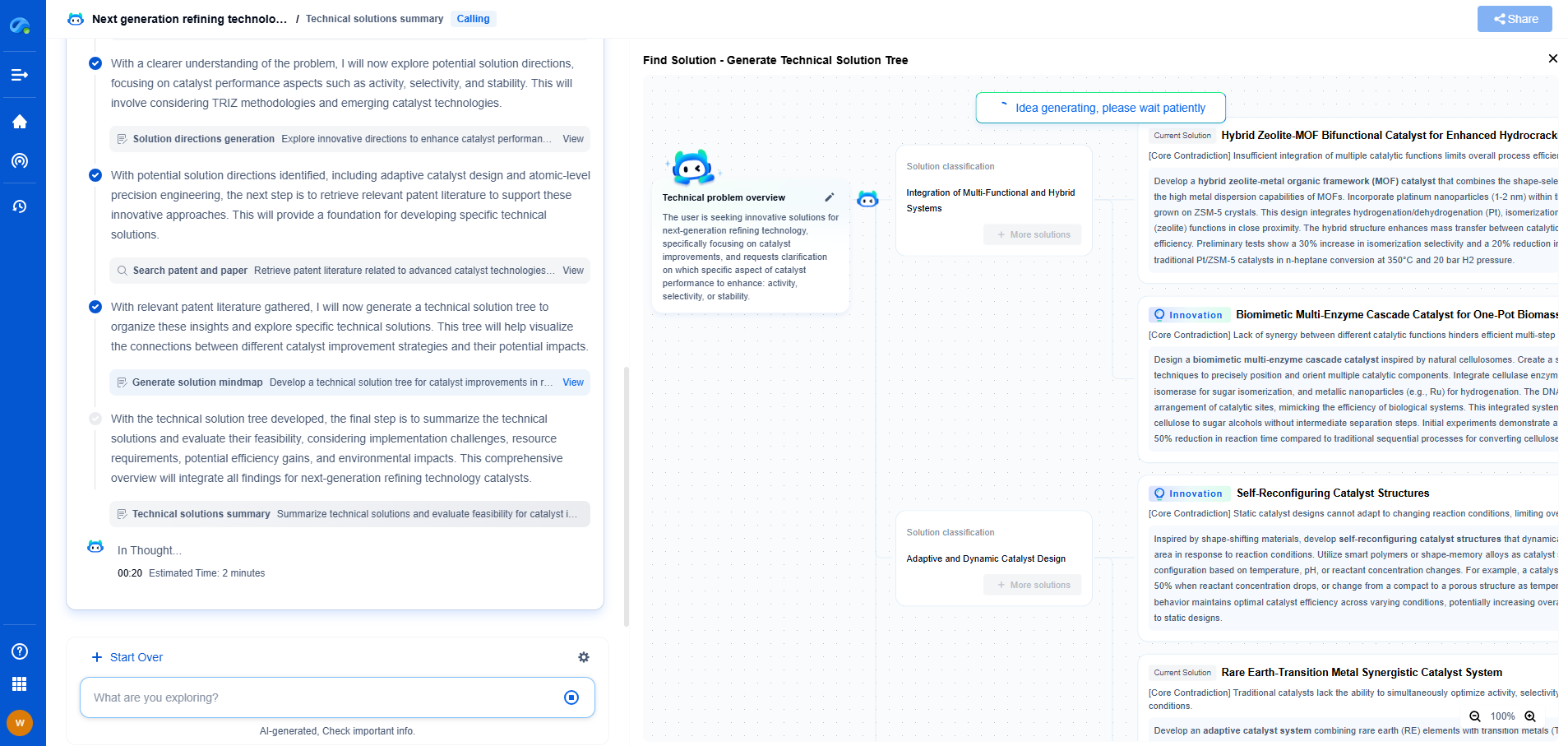
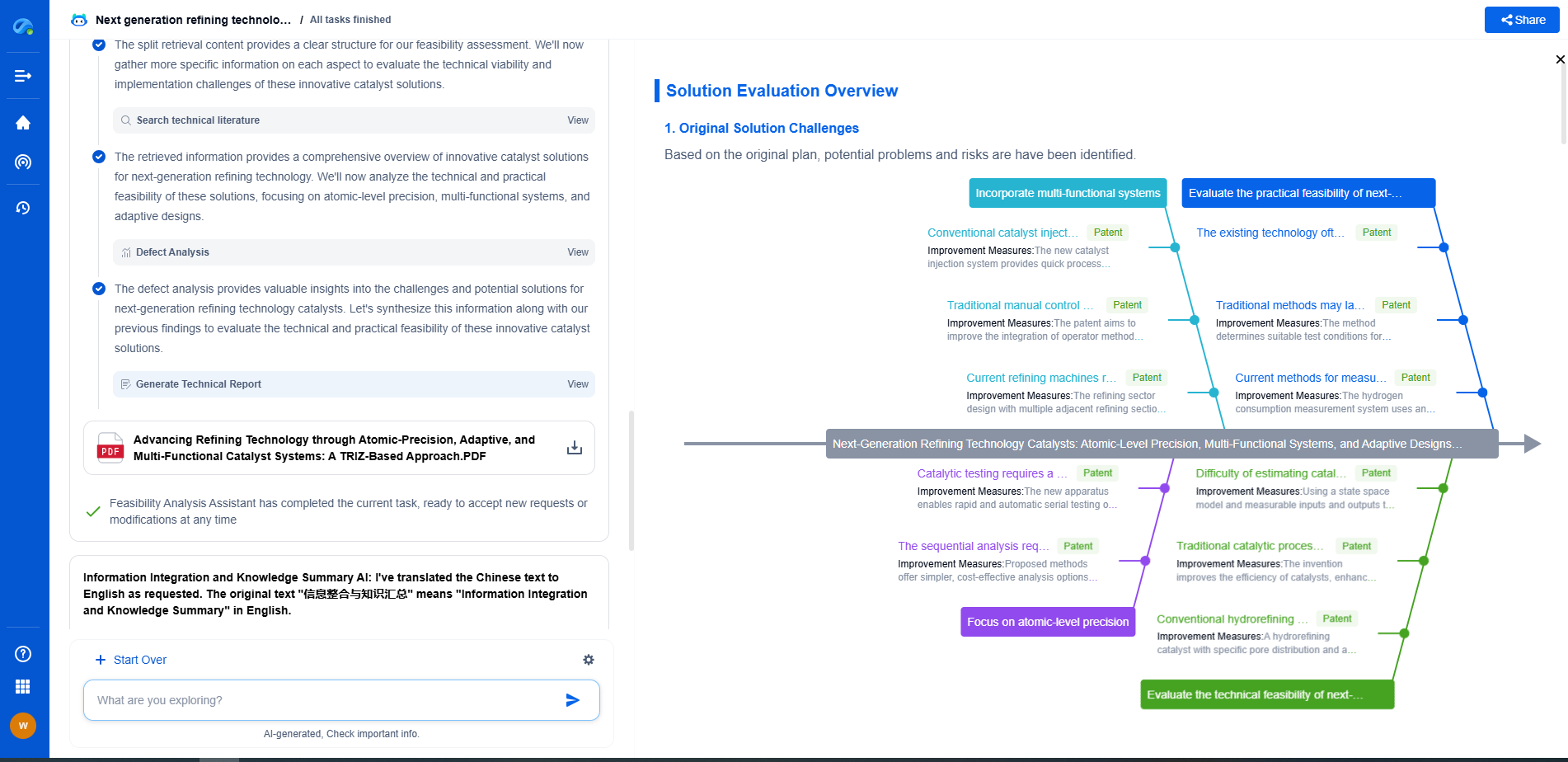
Unleash the Full Potential of AI Innovation with Patsnap Eureka
The frontier of machine learning evolves faster than ever—from foundation models and neuromorphic computing to edge AI and self-supervised learning. Whether you're exploring novel architectures, optimizing inference at scale, or tracking patent landscapes in generative AI, staying ahead demands more than human bandwidth.
Patsnap Eureka, our intelligent AI assistant built for R&D professionals in high-tech sectors, empowers you with real-time expert-level analysis, technology roadmap exploration, and strategic mapping of core patents—all within a seamless, user-friendly interface.
👉 Try Patsnap Eureka today to accelerate your journey from ML ideas to IP assets—request a personalized demo or activate your trial now.