


When setting up an internet connection at home or work, understanding the difference between a modem and a router is essential. While both devices are critical for connecting to the internet, they serve distinct purposes. A modem connects your network to your internet service provider (ISP), enabling access to the web. Meanwhile, a router distributes that connection to multiple devices, often wirelessly. This article will explore the roles of Modem vs. Router, highlight their differences, and help you decide what you need for a seamless and efficient internet setup.
What Is a Modem?
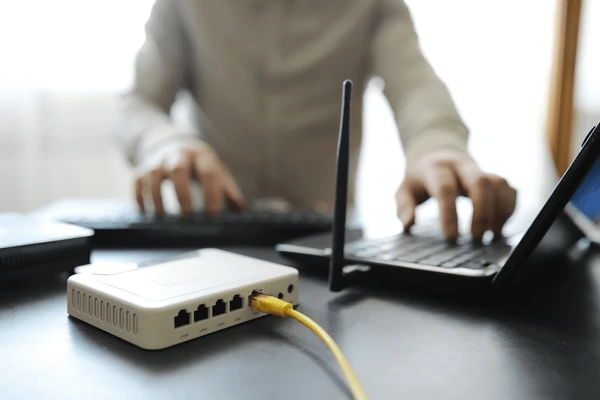
A modem, short for modulator-demodulator, enables communication between digital devices and analog transmission mediums, such as telephone lines or radio waves. It plays a crucial role in translating data formats for efficient transmission and reception.
Types of Modems and Uses
- Dial-up Modems: These convert digital data into audio signals for analog transmission over telephone lines, once a standard for internet access.
- Cable Modems: Cable modems provide high-speed internet via cable TV networks, offering speeds from 500 Kbps to 1.5 Mbps.
- Software-Defined Radios (SDRs): SDRs use software to handle signal processing, supporting various communication standards and offering adaptability through updates.
- Wireless Modems: Wireless modems enable data transfer over cellular or Wi-Fi networks by modulating radio frequency signals, ideal for mobile and remote use.
What Is a Router?
A router is a networking device that directs data packets between computer networks, ensuring efficient internet traffic flow. It forwards packets through a series of routers until they reach their final destination, using IP addresses to determine the best path.
Key Components and Features of Routers
- WAN Communication Interfaces: Routers connect to networks via interfaces like copper cables, fiber optics, or wireless links, supporting various physical media types.
- Configuration and Settings: They are configured to manage web access, DNS settings, port forwarding, firewalls, NAT, DHCP, VPN, and VLANs. These settings optimize network performance and security.
- Network Layer Operations: Routers operate at Layer 3 of the OSI model, making decisions based on the IP address in the packet header. They rely on routing tables or forwarding information bases (FIBs) to determine the most efficient path.
- Pathfinding Algorithms: Routing algorithms, such as Shortest Path First or Distance Vector, calculate optimal paths by evaluating network conditions and route availability.
Modem vs. Router: Key Differences
Functional Differences
- Modem Functionality
A modem connects your device to the internet by translating digital signals for transmission over specific mediums, such as telephone lines, cables, or fiber optics. It acts as a gateway between your internet service provider (ISP) and your home network. - Router Functionality
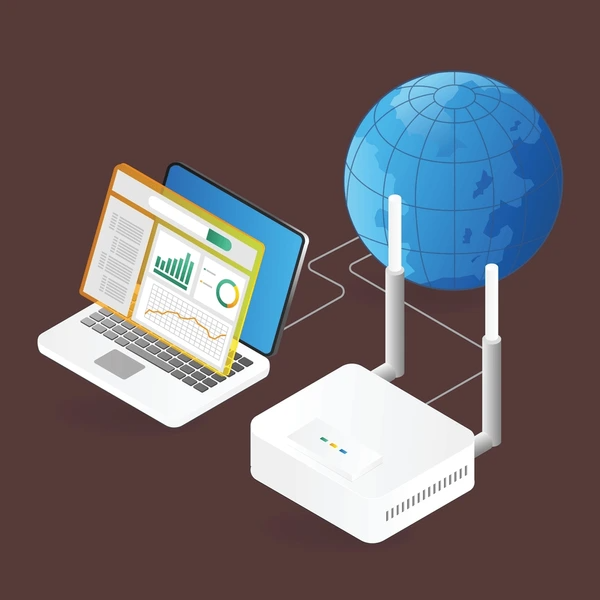
A router manages data traffic within your network and directs packets between different networks. It connects multiple devices to the internet while ensuring efficient communication across the local network.
Network Layer Operations
- Modem
Modems operate at the physical layer (Layer 1) of the OSI model, focusing on signal conversion and transmission. - Router
Routers operate at the network layer (Layer 3) of the OSI model, enabling intelligent packet routing based on IP addresses. This allows routers to connect and manage data flow between multiple networks.
Addressing and Routing
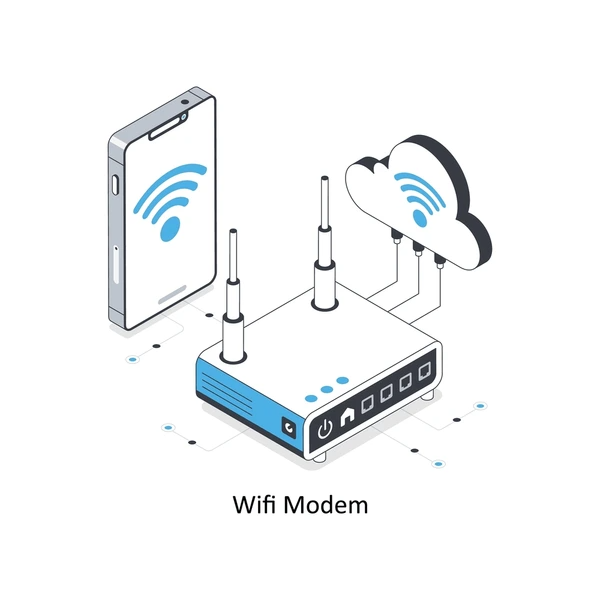
- Modem Addressing
Modems use MAC addresses for device identification within a local network. - Router Addressing
Routers use IP addresses for data routing between different networks. This segmentation of broadcast domains helps reduce unnecessary traffic and improves network efficiency.
Connectivity and Applications
- Modem Connectivity
Modems provide internet access to a single device or a router for sharing within a network. - Router Connectivity
Routers enable multiple devices to share a single internet connection and support advanced features like firewalls, DHCP, and VPNs. They can also bridge various network types, such as LANs and WANs, for more versatile connectivity.
How Modems and Routers Work Together
Establishing an Internet Connection: The modem connects to the ISP’s network, converting digital signals into a format suitable for transmission. It receives data from the provider, demodulates it, and sends it to the router. The router then distributes this data to devices on the LAN or forwards it to the internet. Similarly, data from LAN devices is routed to the modem for modulation and transmission back to the ISP.
Advanced Capabilities of Modern Routers
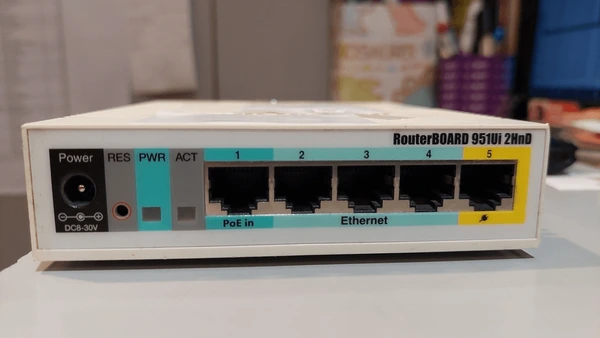
- Integrated Modem Functionality
Many modern routers combine router and modem functions, simplifying the setup process. They support various network interfaces, including Ethernet, Wi-Fi, and cellular. - Multi-Connection Support
Advanced routers enable features like load balancing, failover redundancy, and enhanced throughput using technologies like MIMO. This ensures consistent internet access and optimal performance. - Network Management Tools
Routers offer essential services like DHCP for dynamic IP assignment, NAT for secure internet access, and firewalls to block unauthorized traffic. Many also include VPN functionality for secure remote access.
To get detailed scientific explanations of Modem vs. Router, try Patsnap Eureka.
