


Overview of DSL Internet Technology
DSL (Digital Subscriber Line) is a widely used broadband internet technology that delivers high-speed data transmission through existing telephone lines. Known for its reliability and broad accessibility, DSL offers an efficient way to connect to the internet without disrupting regular phone services. This article will explore how DSL works, its advantages, and how it compares to other broadband options, helping you determine if it’s the right choice for your needs.
Types of DSL Internet Connections
- ADSL: Offers up to 24 Mbps download and 3 Mbps upload speeds, ideal for browsing and streaming over distances up to 5 km.
- SDSL: Provides equal download and upload speeds, up to 15 Mbps, suitable for video calls and file transfers up to 3.6 km.
- VDSL: Supports up to 100 Mbps for downloads and uploads, optimized for shorter distances up to 1.2 km.
- VDSL2: An enhanced VDSL version, offering higher speeds and profiles for varied bandwidth and distance needs.
- ADSL2/ADSL2+: Improved ADSL versions with up to 24 Mbps download and 3 Mbps upload speeds, effective over 5 km.
Key Components and Architecture of DSL Technology
DSL technology efficiently separates voice and data signals using frequency-division multiplexing. Its architecture involves several critical components, ensuring reliable and high-speed internet connectivity:
- Customer Premises Equipment (CPE)
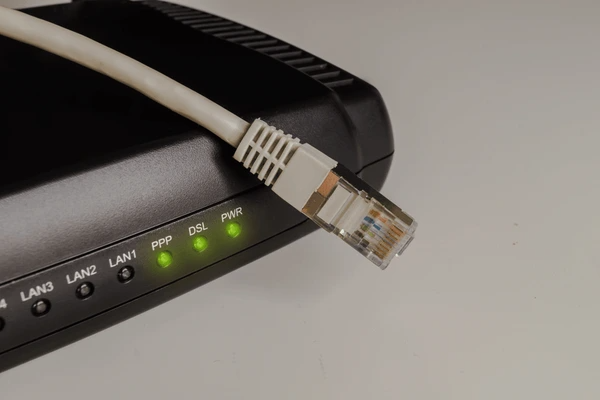
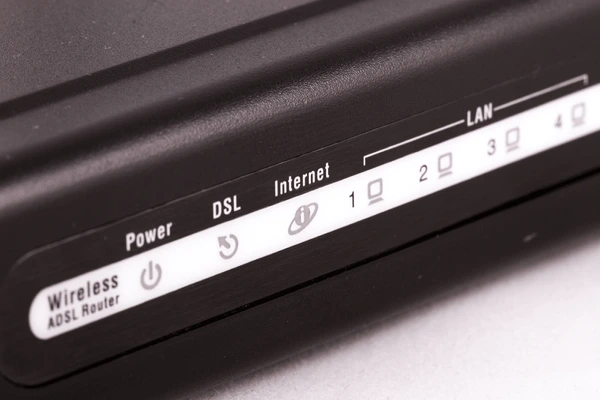
At the user’s end, a DSL modem or router modulates outgoing signals and demodulates incoming ones. This device is essential for converting signals for internet access. - Splitter/Combiner
A splitter or combiner divides voice and data signals on the same telephone line. This allows users to make phone calls and access the internet simultaneously without interference. - Digital Subscriber Line Access Multiplexer (DSLAM)
Located at the service provider’s facility, the DSLAM aggregates multiple DSL connections. It routes these connections to the internet or other networks, serving as a bridge between users and the wider internet infrastructure. - Discrete Multitone (DMT) Modulation
DSL uses DMT modulation to split data into multiple subcarriers. This technique maximizes data rates by efficiently utilizing the available bandwidth, ensuring stable and high-performance connections.
Advantages of DSL Internet
- Cost-Effective Infrastructure: DSL uses existing copper telephone lines, reducing the need for costly new infrastructure.
- Simultaneous Voice and Data: DSL allows internet use and phone calls simultaneously, thanks to separate frequency ranges for voice and data.
- Wide Availability: Extensive telephone networks make DSL accessible in most urban and suburban areas.
Limitations of DSL Internet
- Distance Constraints: DSL speeds decrease significantly beyond 3 miles (5 km) from the service provider’s central office.
- Interference Issues: External factors like AM radio signals and crosstalk can degrade DSL performance.
- Asymmetric Bandwidth: DSL often provides faster download speeds than uploads, limiting applications requiring high upload rates.
- Lower Bandwidth Compared to Fiber: DSL’s bandwidth is lower than fiber-optic options, making it less suitable for growing high-speed demands.
DSL Internet vs. Other Broadband Options
Cable Internet
Cable internet offers faster speeds than DSL, typically ranging from 100 Mbps to 1 Gbps. However, since bandwidth is shared among users in the same neighborhood, speeds may slow down during peak hours. Its symmetric bandwidth makes it a great choice for video calls, streaming, and uploading large files.
Fiber-Optic Internet
Fiber-optic broadband is the fastest option, with speeds often exceeding 1 Gbps and low latency. It’s perfect for high-demand activities like 4K streaming and supporting multiple smart devices. However, fiber is more expensive to install and isn’t available everywhere, especially in rural areas.
Mobile Broadband (4G/5G)
Mobile broadband provides internet access on the go, offering the convenience of wireless connectivity. While it’s ideal for mobility, it usually has slower speeds and higher latency compared to DSL, cable, or fiber. Mobile broadband works well as a backup but may not be suitable for heavy data use.
Choosing DSL Internet for Your Home or Business
When DSL is a Good Fit
- Cost-Effective Solution: DSL is ideal for those seeking affordable broadband internet without the need for extensive new infrastructure.
- Availability: If you live in urban or suburban areas with existing telephone lines, DSL is often widely accessible.
- Simultaneous Voice and Internet: DSL supports simultaneous internet use and phone calls, making it convenient for homes and small offices.
When to Consider Alternatives
- High Bandwidth Needs: If your household or business relies on activities like 4K streaming, gaming, or large file uploads, cable or fiber-optic internet may better suit your needs.
- Remote Locations: In rural or remote areas, DSL performance may degrade due to distance from the service provider’s central office. Wireless broadband or satellite internet could be better options.
- Growing Demand: For future-proofing, fiber-optic internet offers unmatched speed and scalability compared to DSL.
To get detailed scientific explanations of DSL Internet, try Patsnap Eureka.
