
Device for typing and inputting symbols into portable communication means
a digital device and keyboard technology, applied in the direction of electric digital data processing, instruments, cathode-ray tube indicators, etc., can solve the problems of not being widely used, preventing the implementation of these solutions, and the layout of qwerty keyboards not being optimal for high-speed typing, etc., to stimulate layout memorization, increase text entry speed, and facilitate the effect of layou
Patent Information
- Authority / Receiving Office
- US · United States
- Current Assignee / Owner
- Publication Date
- 2013-08-01
- Estimated Expiration
- Not applicable · inactive patent
Smart Images
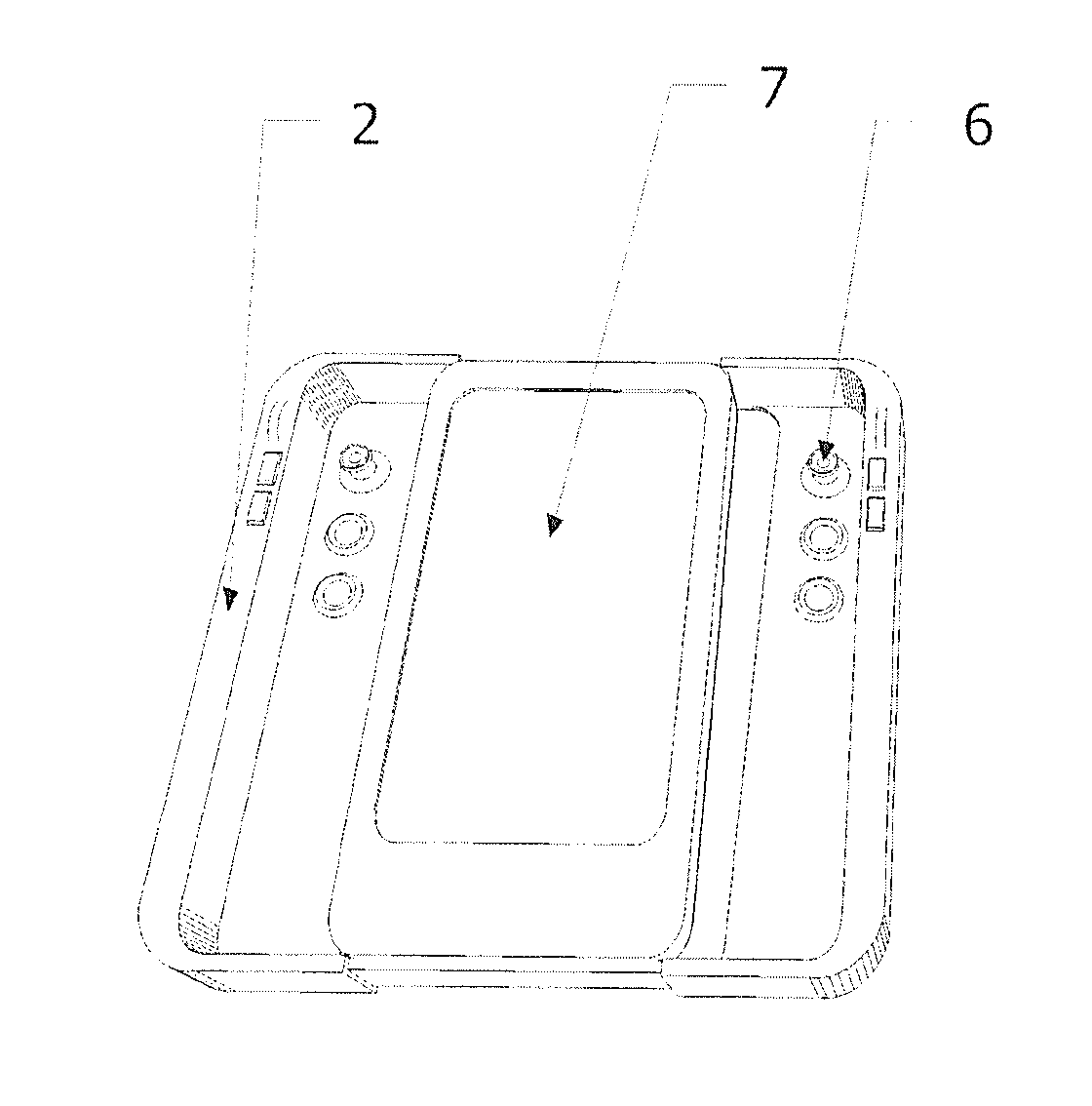
Figure 1 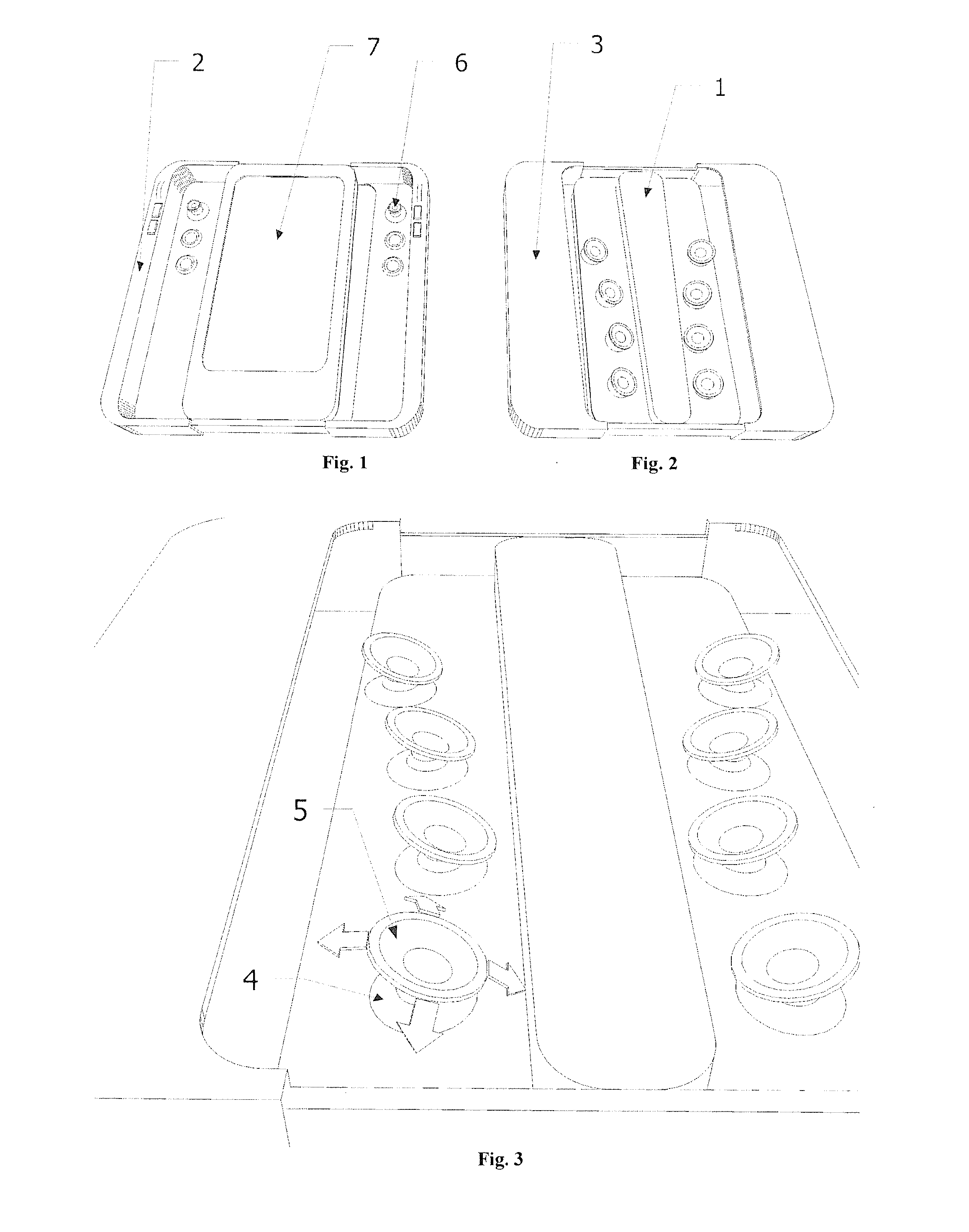
Figure 2 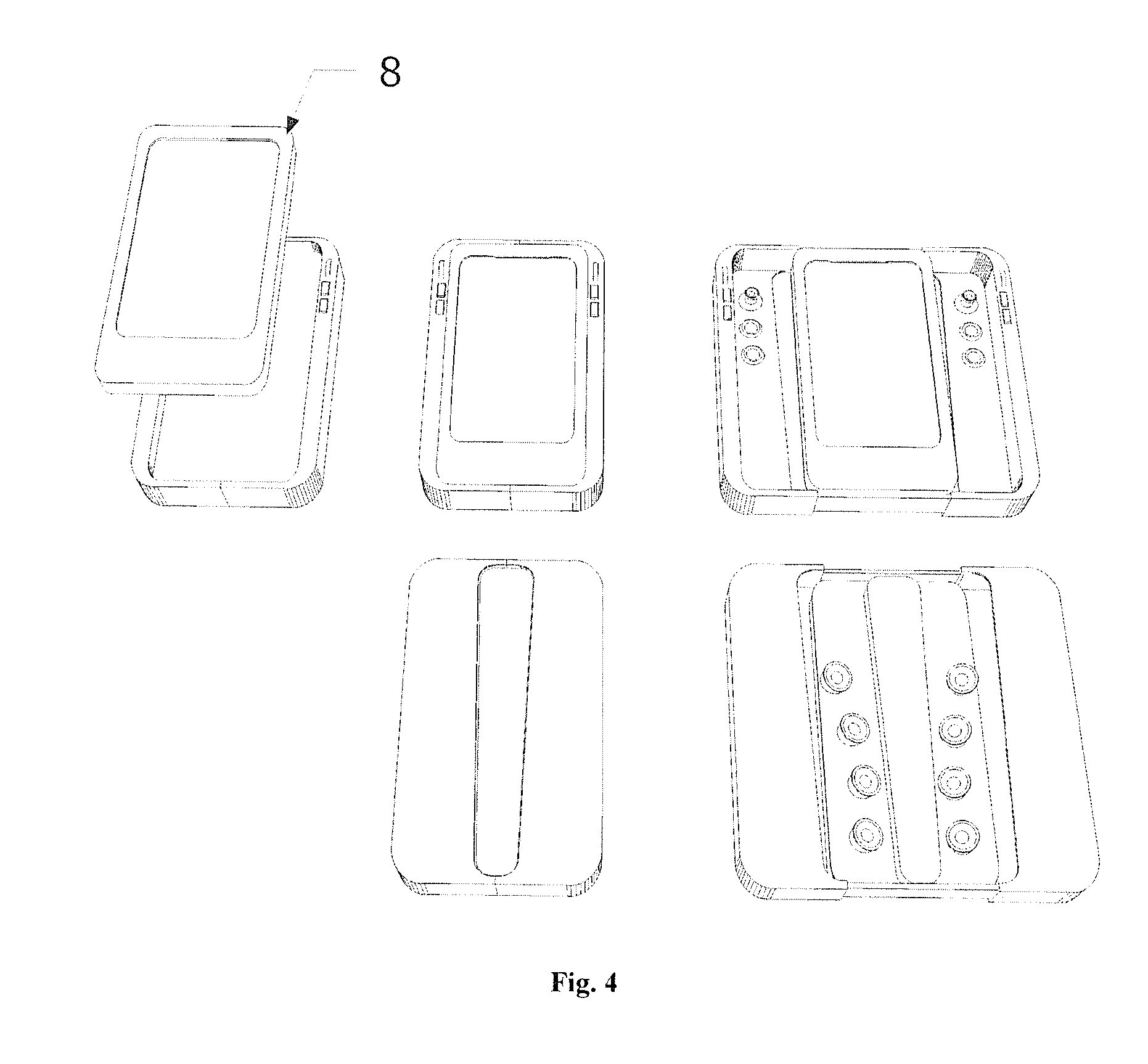
Figure 3
Abstract
Description
CROSS REFERENCE TO RELATED APPLICATION
[0001] This application is a U.S. National Phase of International Application No. PCT / RU2011 / 000447 filed on Jun. 23, 2011, which claims priority to and the benefit of Russian Patent Application No. 2010131174 filed on Jul. 26, 2010, the entire contents of which are incorporated herein by reference.BACKGROUND OF THE INVENTION
[0002] The present invention relates to the technical field of character data entry into portable digital devices such as communicators, handheld personal computers, mobile phones and similar devices. These devices are characterized by their small size, which prevents the placement of standard ergonomic QWERTY keyboards on such devices. These devices are further characterized by the necessity to hold the device while entering the characters, with the result that most of the operator's fingers are not involved in the character data entry most of the time. Because of these limitations, the text entry speed in modern portable dev...
Examples
Embodiment Construction
Way to Solve the Problem
[0025]In order to increase the user's confidence when blind typing, it is suggested to use one finger for each input element located on the backside of the device. While typing, the finger should not lose contact with the input element, and the movements of the finger in different directions should correspond to the input of different characters. This solution allows more confident blind typing and a more secure grip on the device because there is no need to move the fingers between the input elements. It should be noted that too many possible directions of moving each input element will result in an increased number of typos because of the difficulties with selecting the exact angle of a finger movement.
[0026]The practice showed that four directions: bending the finger, unbending the finger, and shifting the finger in two directions perpendicular to the direction of bending and unbending, are clear to distinguish and easy to implement. Therefore, it...