
To-do task management method and to-do task management device
A management method and a technology of a management device, which are applied in the field of to-do task management and device fields, can solve problems such as inconvenient search and inconvenient viewing, and achieve the effect of making it easy to find to-do tasks and improve user experience
Patent Information
- Authority / Receiving Office
- CN · China
- Current Assignee / Owner
- Publication Date
- 2016-11-23
- Estimated Expiration
- Not applicable · inactive patent
Smart Images
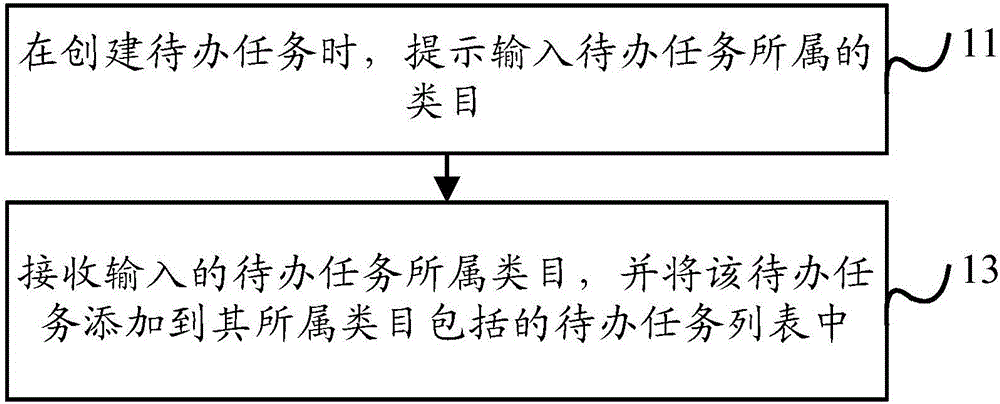
Figure 1 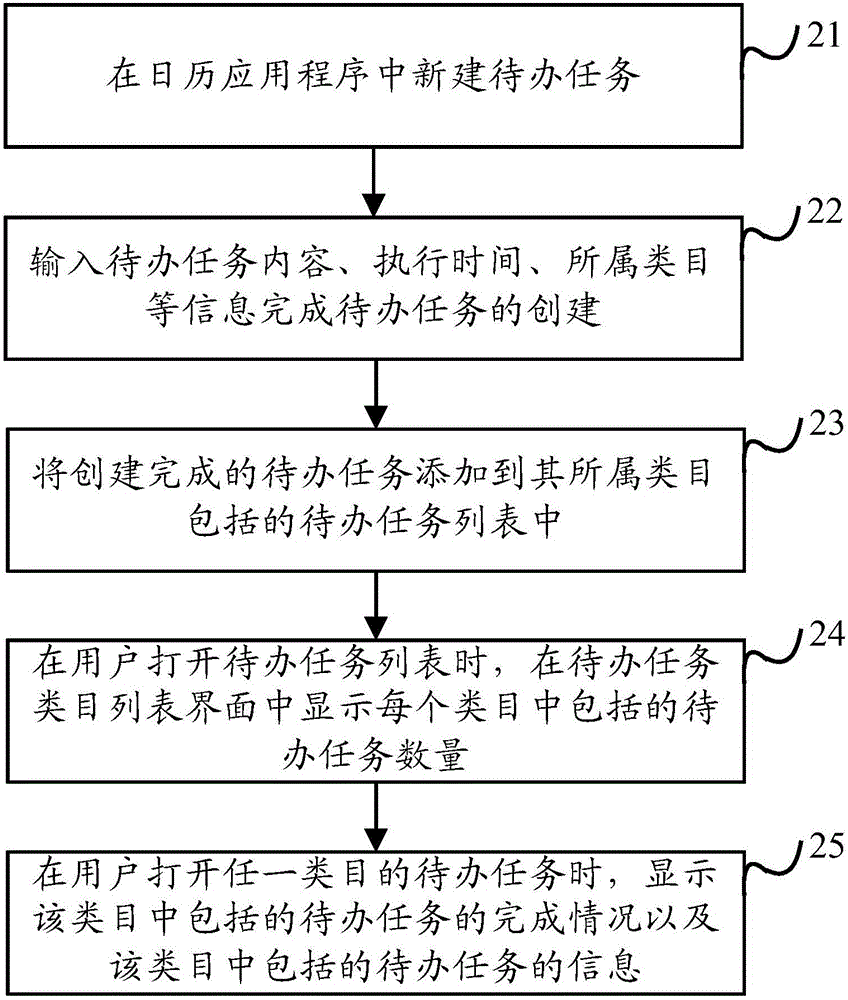
Figure 2 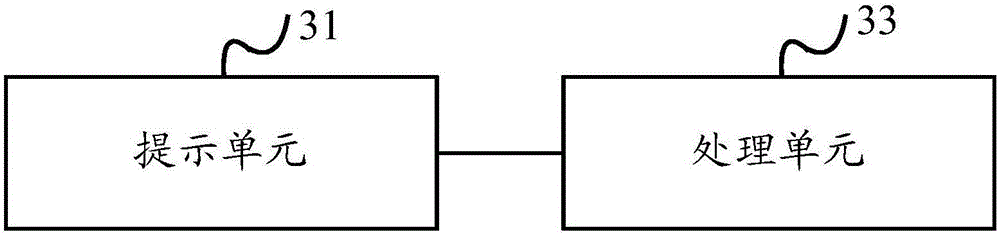
Figure 3
Abstract
Description
technical field
[0001] The embodiments of the present invention relate to the technical field of data processing, and in particular, to a method and device for managing to-do tasks. Background technique
[0002] With the popularity of smart terminals, when recording to-do tasks, there is no need to record to-do tasks on paper or in electronic forms, and to-do tasks can be created directly in the calendar application of smart devices, and it also has a reminder function, but In the prior art, all created to-do tasks are simply displayed in the order of creation or reminder time. This display method is not only inconvenient to find the to-do tasks, but also cannot visually check the completion of the to-do tasks, which affects the user experience .
[0003] In the process of implementing the present invention, the inventor found that all created to-do tasks in the prior art are displayed in the order of creation or reminder time, which is inconvenient to search and check the ...
Examples
Embodiment approach 1
[0033] Embodiment 1: Add a new category in the category list interface of the to-do task. On the category list interface of to-do tasks, four tabs are displayed: life, entertainment, learning and new category. If you need to create a new category, click the new category tab to create a new one. For example: to create a new work category, then this The category list interface of the to-do task displays four tabs of life, entertainment, study, work and new category. You can also click the new category tab to create a new one. The number of categories in the to-do task is not limited Of course, preferably, in order to facilitate the management of to-do tasks, the categories of to-do tasks can be reduced as much as possible.
Embodiment approach 2
[0034] Embodiment 2: Create a new category directly in the category tab of the to-do task. When creating a to-do task, three options of life, entertainment, and study are displayed in the category tab of the to-do task. If you need to create a new category, you can directly enter the required The newly created category, for example: directly enter work in the category tab of the to-do task, which is regarded as directly creating a new work category, and when the to-do task is created again, the category tab of the to-do task will display life, There are four tabs for entertainment, study, and work to choose from. If you still need to create a new category, you can directly enter the new category in the category tab of the to-do task. The number of categories in the to-do task varies. To limit, of course, preferably, in order to facilitate the management of to-do tasks, the categories of to-do tasks can be reduced as much as possible.
[0035] As a more specific embodiment, su...