
Company institution updating learning system
A learning system and system technology, applied in the field of learning systems, can solve problems such as undetectable learning results, achieve the effect of strengthening impression and familiarity, achieving peaceful coexistence, and increasing familiarity
Patent Information
- Authority / Receiving Office
- CN · China
- Patent Type
- Applications(China)
- Current Assignee / Owner
- Publication Date
- 2022-04-12
Smart Images
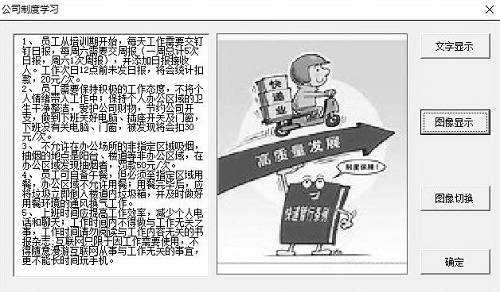
Figure 1 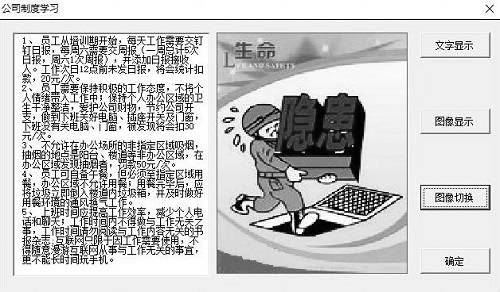
Figure 2 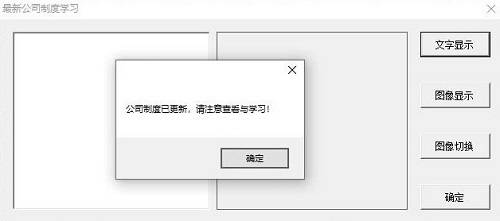
Figure 3
Abstract
Description
technical field
[0001] The invention relates to a learning system, in particular to a company system update learning system. Background technique
[0002] The management system learning and training meeting minutes system is the root of a company, which helps the company's person in charge to manage employees effectively and requires employees at all levels to truly regard learning as a living habit, a survival need, a career foundation, and an enterprise Responsibility, a kind of spiritual pursuit, a kind of ideological realm, realize the institutionalization and standardization of learning, and the necessity of abiding by the company's rules and regulations As the saying goes, "no rules, no circle". Rules are systems. The country must have laws and regulations to constrain the behavior of citizens and establish value standards; for our company, rules are rules and regulations, which are the "laws" within the company. The rules and regulations can ensure the orderly and s...
Examples
Embodiment 1
[0064] A company system update learning system, such as figure 1 As shown, it specifically includes the following steps:
[0065] Step S1: user login;
[0066] like figure 2 As shown, the user clicks to log in, and the login interface pops up, and fills in the login information in the corresponding text boxes in turn, wherein the login information includes department and name; the department and name information are input by the user, and the login After filling in the information, click the login button to log in to the company system update learning system and jump to the company system learning interface.
[0067] Step S2: study of company system;
[0068] like image 3 As shown, the user clicks the "text display" button, the company system is displayed in the corresponding text box, clicks the "image display" button, and the relevant image of the company system is displayed in the corresponding image box, such as Figure 4 As shown, click the "Image Switch" button to...