
Applied window title bar and window control display method in x window manager
A window manager and application window technology, applied in the network field, can solve the problems of the decline of the aesthetics of the application window, the imbalance of the display ratio of the main content of the application window, the inconsistent application display style, etc., to achieve a good window interaction effect and improve the window display effect. Effect
Patent Information
- Authority / Receiving Office
- CN · China
- Patent Type
- Patents(China)
- Current Assignee / Owner
- Publication Date
- 2022-02-01
Smart Images
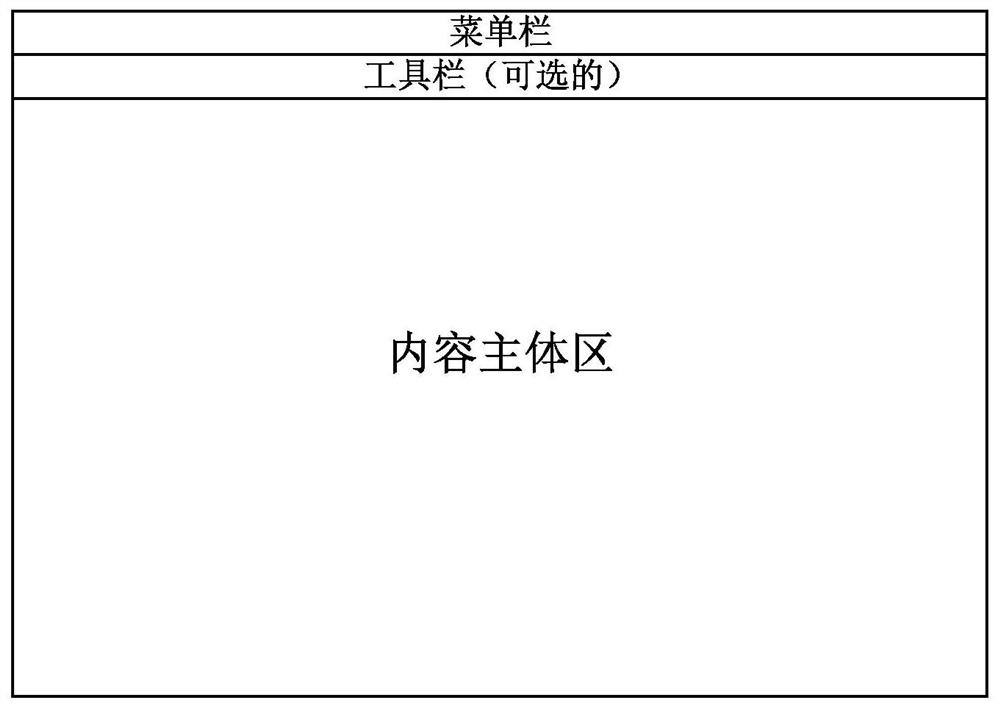
Figure 1 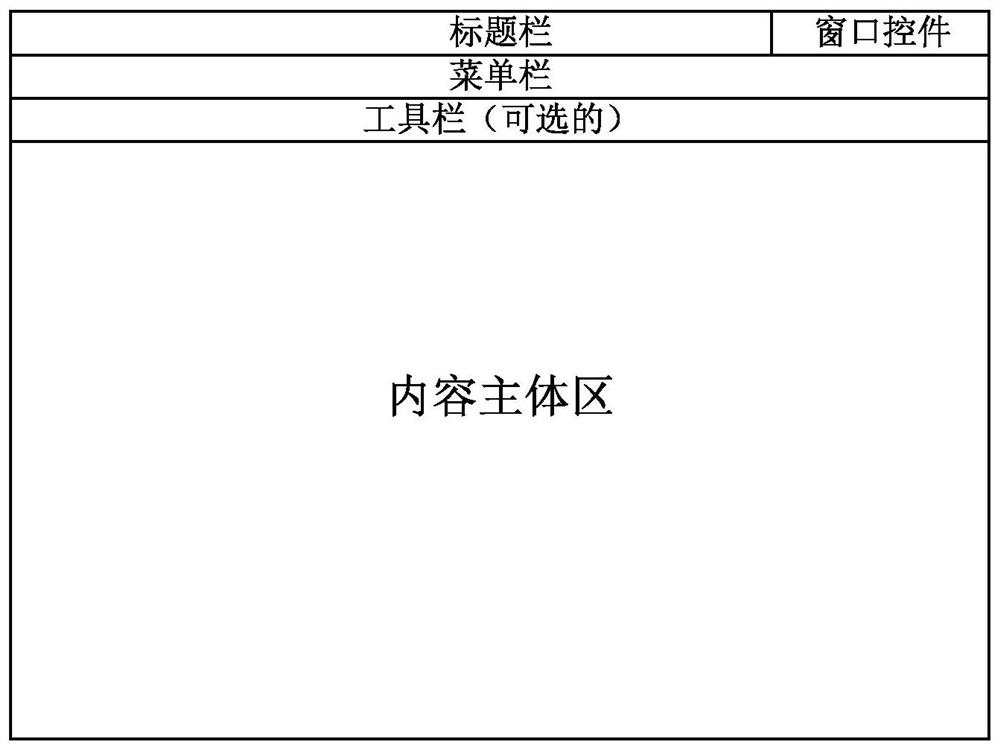
Figure 2 
Figure 3
Abstract
Description
technical field
[0001] The invention relates to the field of network technology, in particular to a method for displaying application window title bars and window controls in an X window manager. Background technique
[0002] For UNIX-like systems (Linux, BSD), there are various desktop environments and window managers, which can be roughly divided into tiling window managers (i3, Awesome, Openbox, etc.) and cascading window managers. Cascading window managers are mostly released as components of desktop environments (KDE, GNOME, Unity, etc.), such as Metacity in GNOME and KWin in KDE. Different window managers handle application title bars and window controls differently.
[0003] First, analyze the advantages and disadvantages of existing tiled window managers and cascaded window managers. The feature of tiled window managers is that a large number of keyboard shortcuts need to be defined to complete the closing, maximizing, minimizing, and dragging of application windows...
Examples
Embodiment Construction
[0038] In order to make the purpose, technical solution and advantages of the present invention clearer, the technical solution of the present invention will be described in detail below. Apparently, the described embodiments are only some of the embodiments of the present invention, but not all of them. Based on the embodiments of the present invention, all other implementations obtained by persons of ordinary skill in the art without making creative efforts fall within the protection scope of the present invention.
[0039] In either embodiment, if Figure 6 Shown, the method that application window title bar and window control display in the X window manager of the present invention include:
[0040] (1) First draw a window frame that tightly wraps the application window for the boundary of the active application window;
[0041] (2) Draw an area consistent with the horizontal width of the window and a height of 50px under the upper boundary of the drawn window frame and ...