
Imaging apparatus, notification control method in imaging apparatus, and information processing apparatus
Patent Information
- Authority / Receiving Office
- US · United States
- Current Assignee / Owner
- Publication Date
- 2021-09-30
- Estimated Expiration
- Not applicable · inactive patent
Smart Images
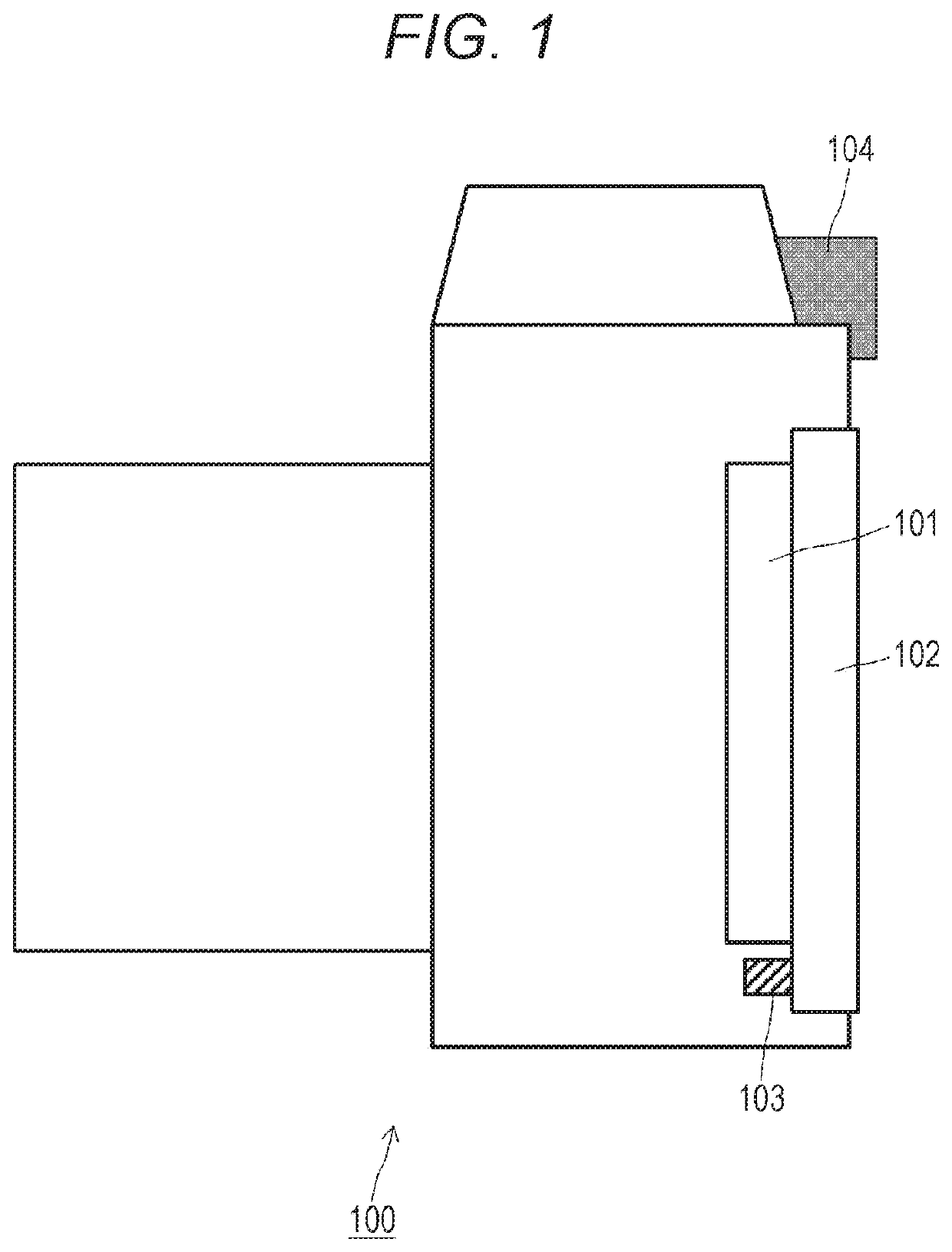
Figure 1 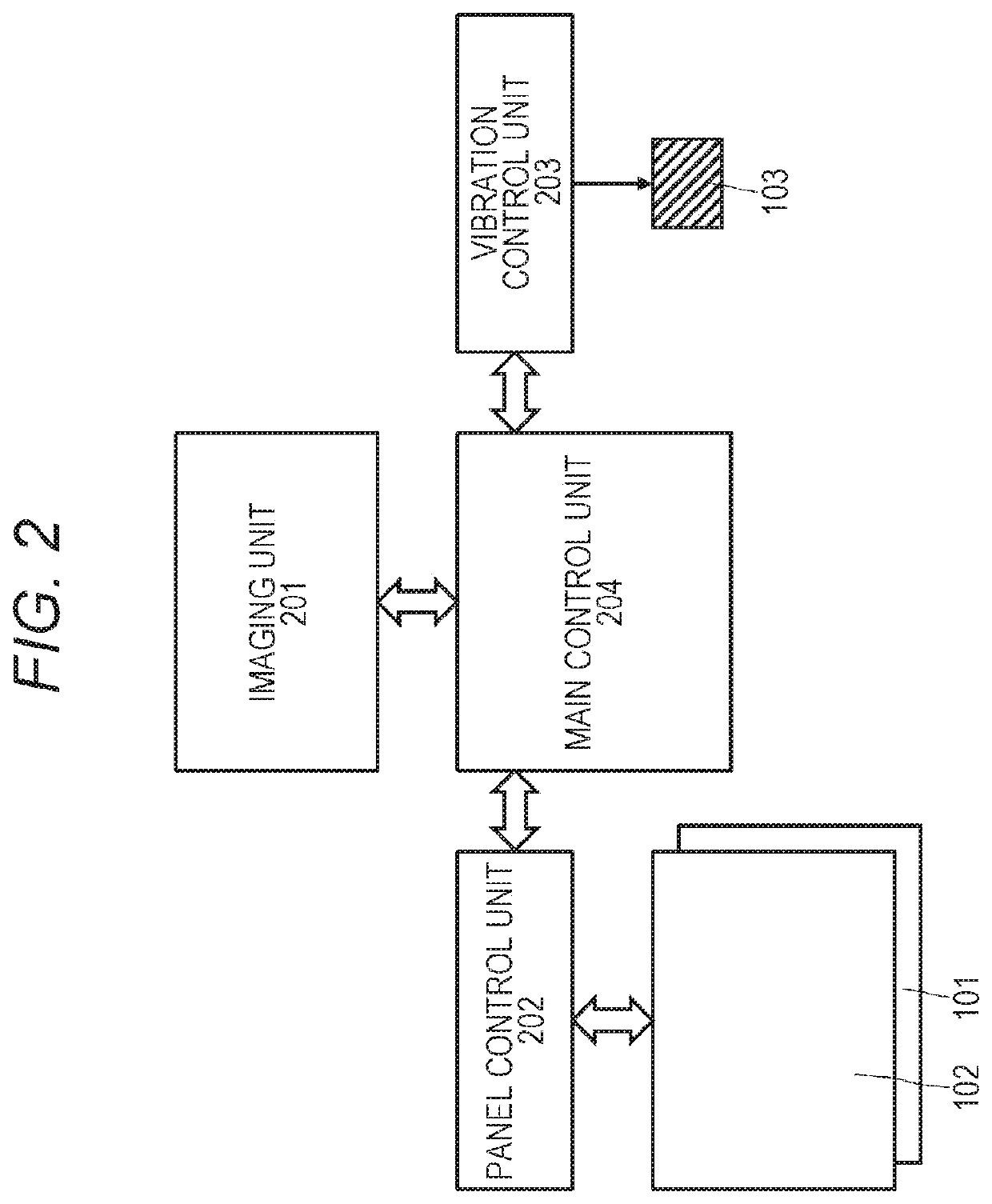
Figure 2 
Figure 3
Abstract
Description
TECHNICAL FIELD
[0001] The technology disclosed in the present specification relates to an imaging apparatus that notifies a user who performs an operation of touching a screen, a notification control method in the imaging apparatus, and an information processing apparatus.BACKGROUND ART
[0002] Imaging apparatuses such as digital cameras, which are currently widespread, generally include an electronic or optical finder and a monitor screen such as a liquid crystal. Furthermore, many of the monitor screens include a touch panel as a user's input means (for example, see Patent Document 1).
[0003] Furthermore, in the imaging apparatus configured as described above, a touch pad AF function for moving a focus frame on a monitor screen with a fingertip is also known. A user (person who performs capturing) can move the focus frame position smoothly by swiping on the touch panel on the back surface of the main body while looking through the finder (in other words, while keeping an eye on the find...
Examples
Embodiment Construction
[0039]Embodiments of the technology disclosed in the present specification are described in detail below with reference to the drawings.
[0040]FIG. 1 shows a configuration example of an imaging apparatus 100 to which the technology disclosed in the present specification can be applied. The drawing shows a state obtained as the main body of the imaging apparatus 100 is viewed from the side. The imaging apparatus 100 includes a display unit 101, a touch panel 102, a vibration unit 103, and a finder 104.
[0041]The display unit 101 includes, for example, a flat panel display such as a liquid crystal display (LCD) or an organic EL element (OLED), and is used for display of a monitor screen for displaying an image captured by the imaging apparatus 100, and a user interface (UI) such as a menu button.
[0042]The touch panel 102 is arranged in a superimposed manner on the display screen of the display unit 101. The touch panel 102 senses, for example, a user operation on the UI displayed on the...