
Wireless directory unit and system with CDMA transfer and sim storage method
a technology of applied in the field of wireless directory unit and system with cdma transfer and storage method, can solve problems such as loss or theft, and achieve the effect of eliminating printing, delivery costs, and making all updates and changes on all telecommunication directory listings quickly and easily
Patent Information
- Authority / Receiving Office
- US · United States
- Patent Type
- Applications(United States)
- Current Assignee / Owner
- Publication Date
- 2012-01-26
- Estimated Expiration
- Not applicable · inactive patent
Smart Images
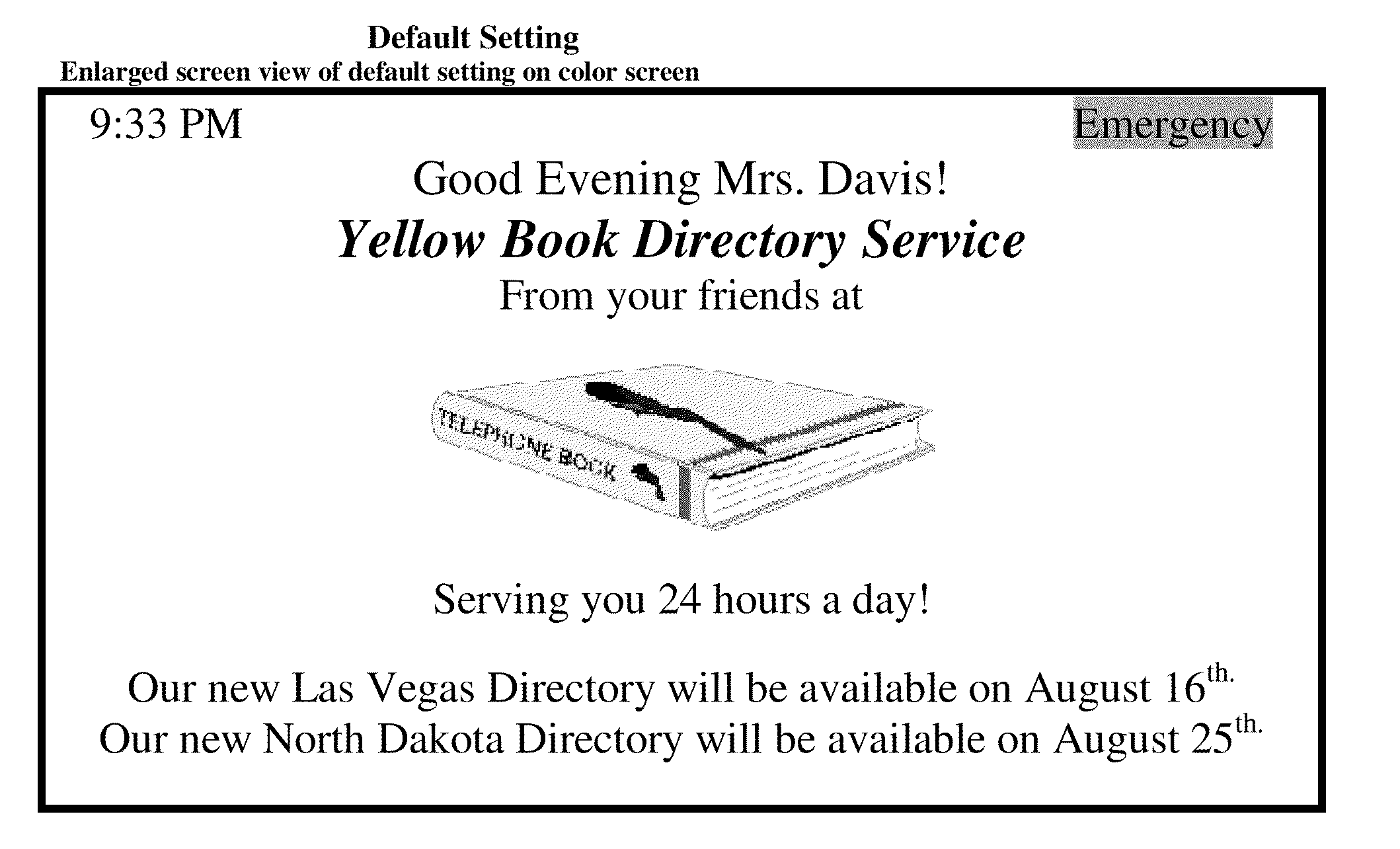
Figure 1 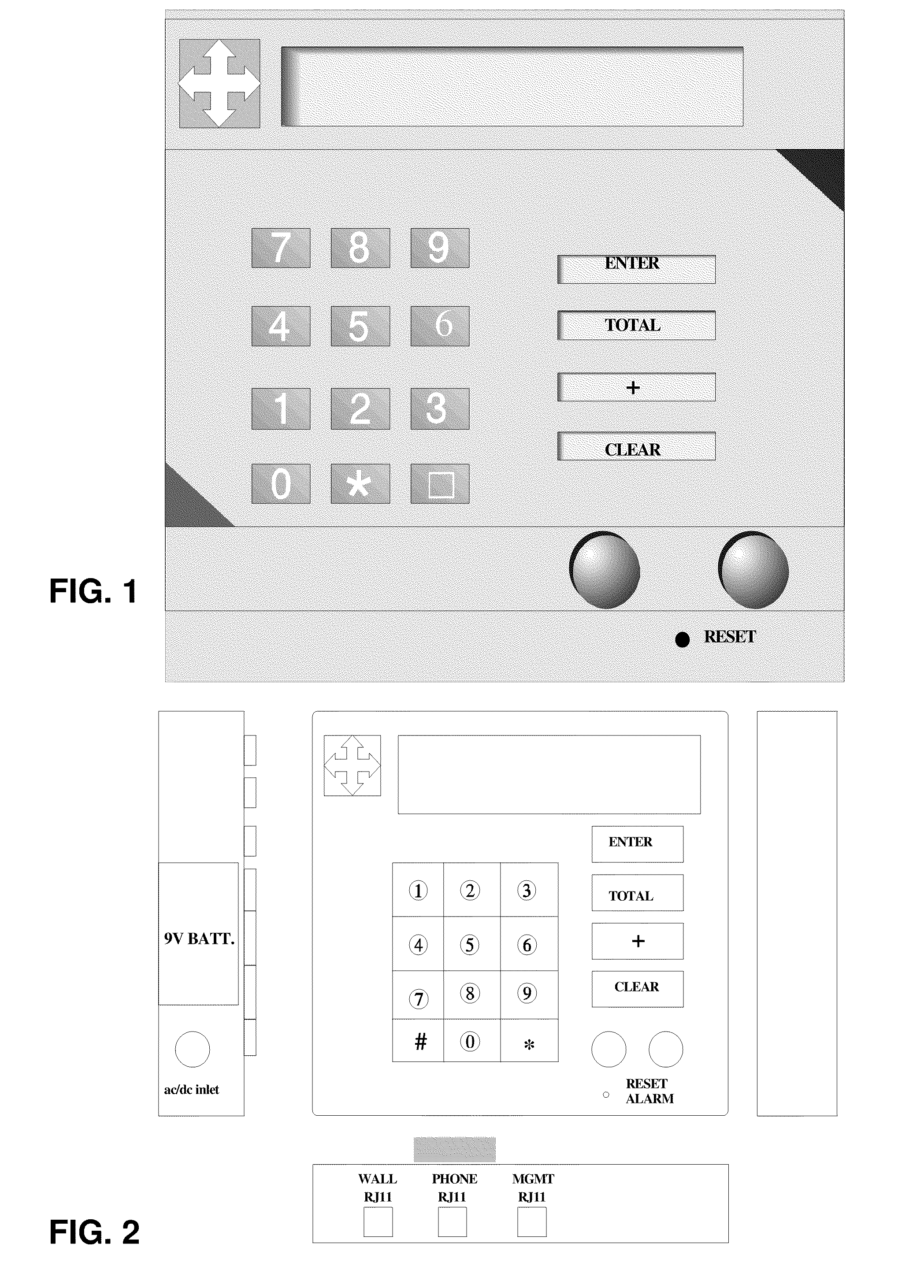
Figure 2 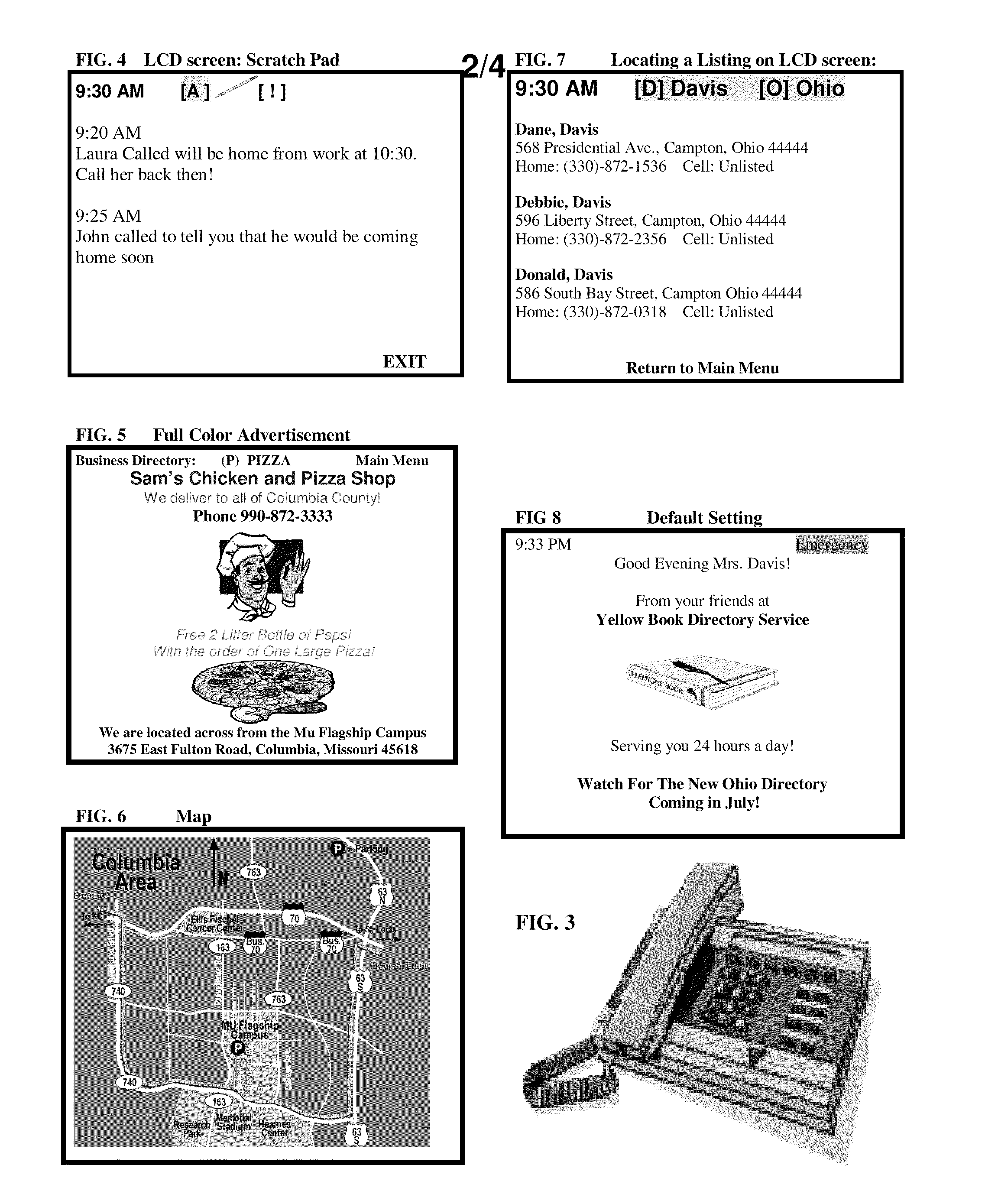
Figure 3
Abstract
Description
CROSS-REFERENCE TO RELATED APPLICATIONS
[0001] This application claims the benefit of U.S. Provisional Patent Application No. 60 / 679,153, filed Mar. 14, 2008, by inventor Heather Alisha Davis.BACKGROUND OF THE INVENTION
[0002] There is a need for a wireless phone directory device that is intended to operate alone, or to accompany the average telephone operated by a cellular system. This is for any place in which it is necessary to quickly locate telephone number and / or address listings including residential, business, cellular, government, local, and any other types of listings provided by a telecommunication service provider. It's desirable for users to be able to locate and store a single listing, or entire directory database of listings, for any geographical areas in the world. Around the clock connection to the providers' databases is desired, especially if established instantly regardless of changes of region caused by travel.BRIEF SUMMARY OF THE INVENTIONObjects And Features For t...
Examples
example
[0124]“Toggle Switch” right or left: [h] [@]
“ToggleSwitch”up or down: a b c d e f g h I j k l m n o p q r s t u v w x y z
A B C D E F G H I J K L M N O Q R S T U V W X Y Z . , !@#$ % ̂& * ( ) _ +
Alphabetical Code Name Creation
[0125]Next, the system will require the end user to create a numerical security pin number. The end user will use the numerical keypad located on the units interface to place a five-digit number into the system. Once complete, the “Enter” key will then be pressed to enter the information into the systems' processor. For verification purposes, the system will require the end user to repeat this process using the same number. Once the verification process is complete, the LCD screen will then display a welcome to the new end user.
Entering Security Pin Number
Verifying the Security Pin Number
System Access Gained
Locate A Listing
[0126]After the greeting appears on the Main Menu, the end user will them highlight the words Main Menu at the bottom of the default settin...