
Printing device
a printing device and printing technology, applied in the direction of printing mechanisms, instruments, error detection/correction, etc., can solve the problems of more keyboard space being taken up, more keystrokes may be required, and keyboard space being used
- Summary
- Abstract
- Description
- Claims
- Application Information
AI Technical Summary
Benefits of technology
Problems solved by technology
Method used
Image

Examples
Embodiment Construction
)
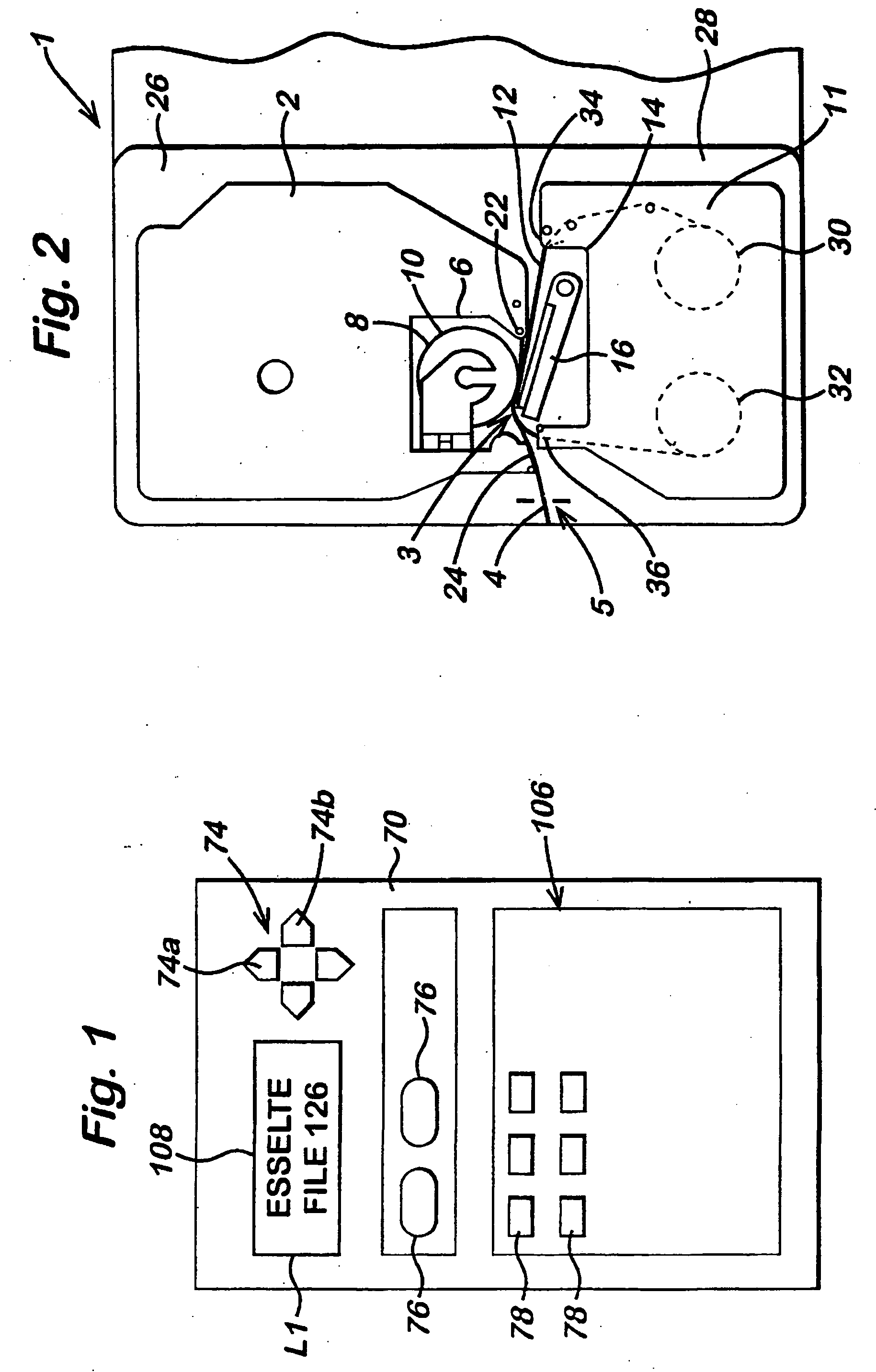
[0060] In the figures, like reference numerals indicate like parts. FIG. 1 illustrates the front of a tape printing device. Reference numeral 70 denotes the casework of the printer. The front of the printer carries a liquid crystal display (LCD) 108 and a keyboard 106 having a plurality of cursor control keys 74, a plurality of function keys 76, only two of which are illustrated in FIG. 1, and a plurality of character selecting keys 78, only six of which are illustrated in FIG. 1. There is provided one key for each letter of the alphabet, and one key for each number from 0 to 9 and there may be additional keys such as operand keys and punctuation keys. Thus the keyboard 106 is used for inputting characters to the tape printing device. This could be achieved with other input means, for example a touch pad or a touch screen. The function keys include a return key, a save key, a recall key, a delete key, an edit key, a shift key, a caps lock key, a language key and a print key. As is ...
PUM
 Login to View More
 Abstract
Description
Claims
Application Information
 Login to View More