
Method for displaying radio function interface
A display method and radio technology, applied in the direction of broadcast receiving circuit, input/output process of data processing, instrument, etc., can solve the problems that cannot change the user's convenience and flexibility of operation, lack of realism, etc.
- Summary
- Abstract
- Description
- Claims
- Application Information
AI Technical Summary
Problems solved by technology
Method used
Image

Examples
Embodiment Construction
[0019] The specific implementation manner will be further described below in conjunction with the accompanying drawings.
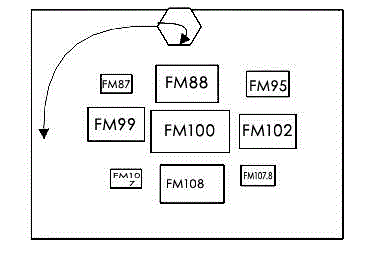
[0020] as attached figure 1 As shown, after the user clicks the search button, the small hexagon above will rotate itself and move around the display area. The middle box is the searched channel, and the channel will be searched sequentially in the display area. The process is displayed.
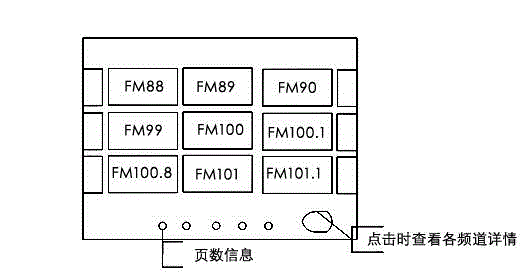
[0021] Such as figure 2 As shown in , when the search is completed, all the searched channels are displayed again, and the user can swipe left and right to find the channels he is familiar with.
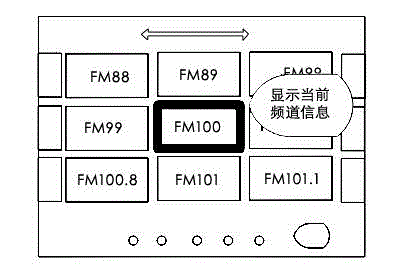
[0022] Such as image 3 As shown in , the user finds his or her familiar channel and clicks to listen to the program, or long presses to view the broadcast information of the current channel.
[0023] Such as Figure 4 As shown, the user clicks the information display button, and a channel information list will be formed, and the user slides up and down to select the prog...
PUM
 Login to View More
 Abstract
Description
Claims
Application Information
 Login to View More