

Systems, methods, and computer-readable media for manipulating images using metadata
a technology of image metadata and system, applied in the field of systems, methods and computer-readable media for manipulating images using metadata, can solve problems such as not being able to solve, and achieve the effects of enhancing the viewing and editing process of users, quick and clear positioning, and easy determination
- Summary
- Abstract
- Description
- Claims
- Application Information
AI Technical Summary
Benefits of technology
Problems solved by technology
Method used
Image

Examples
Embodiment Construction
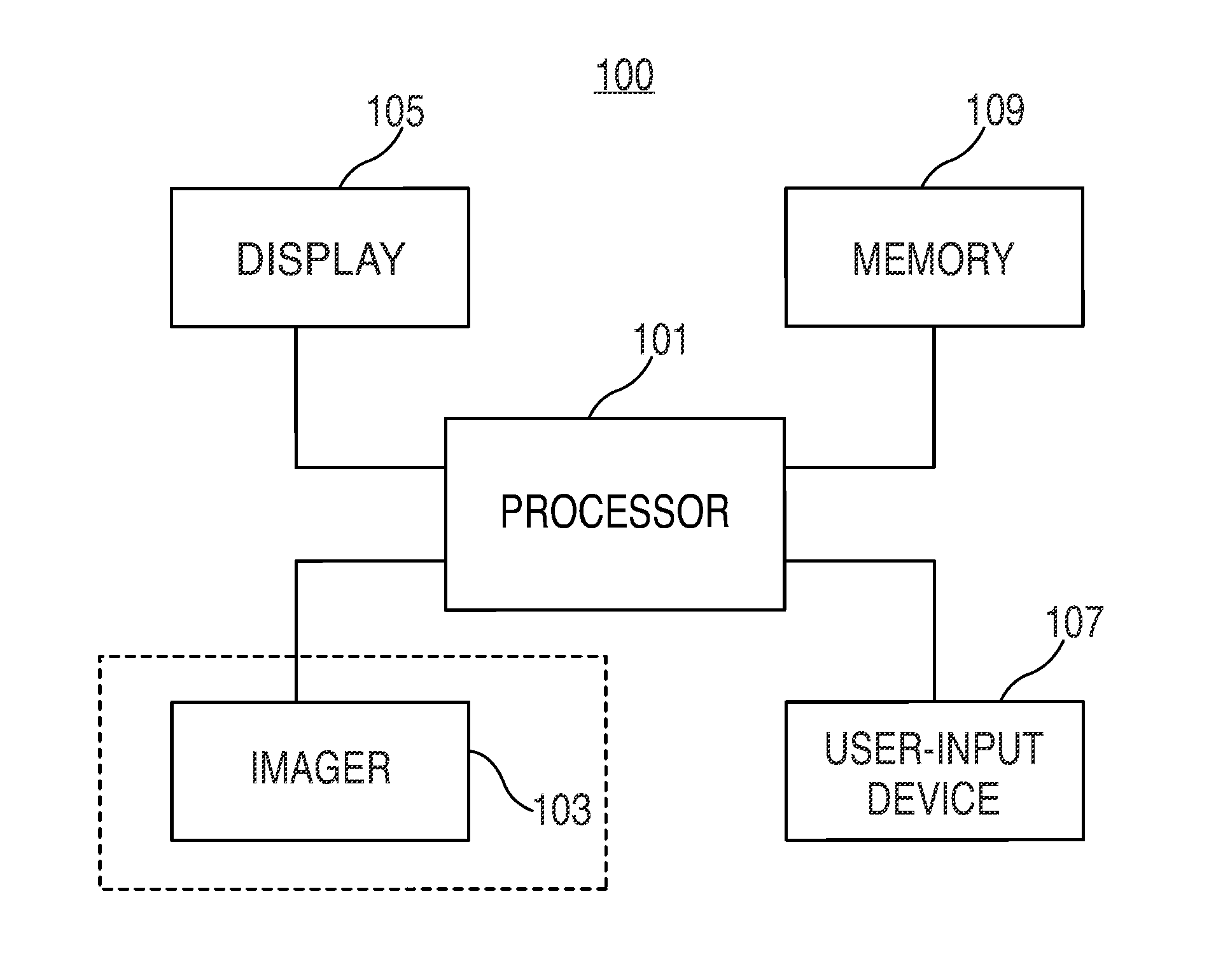
[0023]Systems, methods, and computer-readable media for manipulating images using metadata are provided and described with reference to FIGS. 1-10.
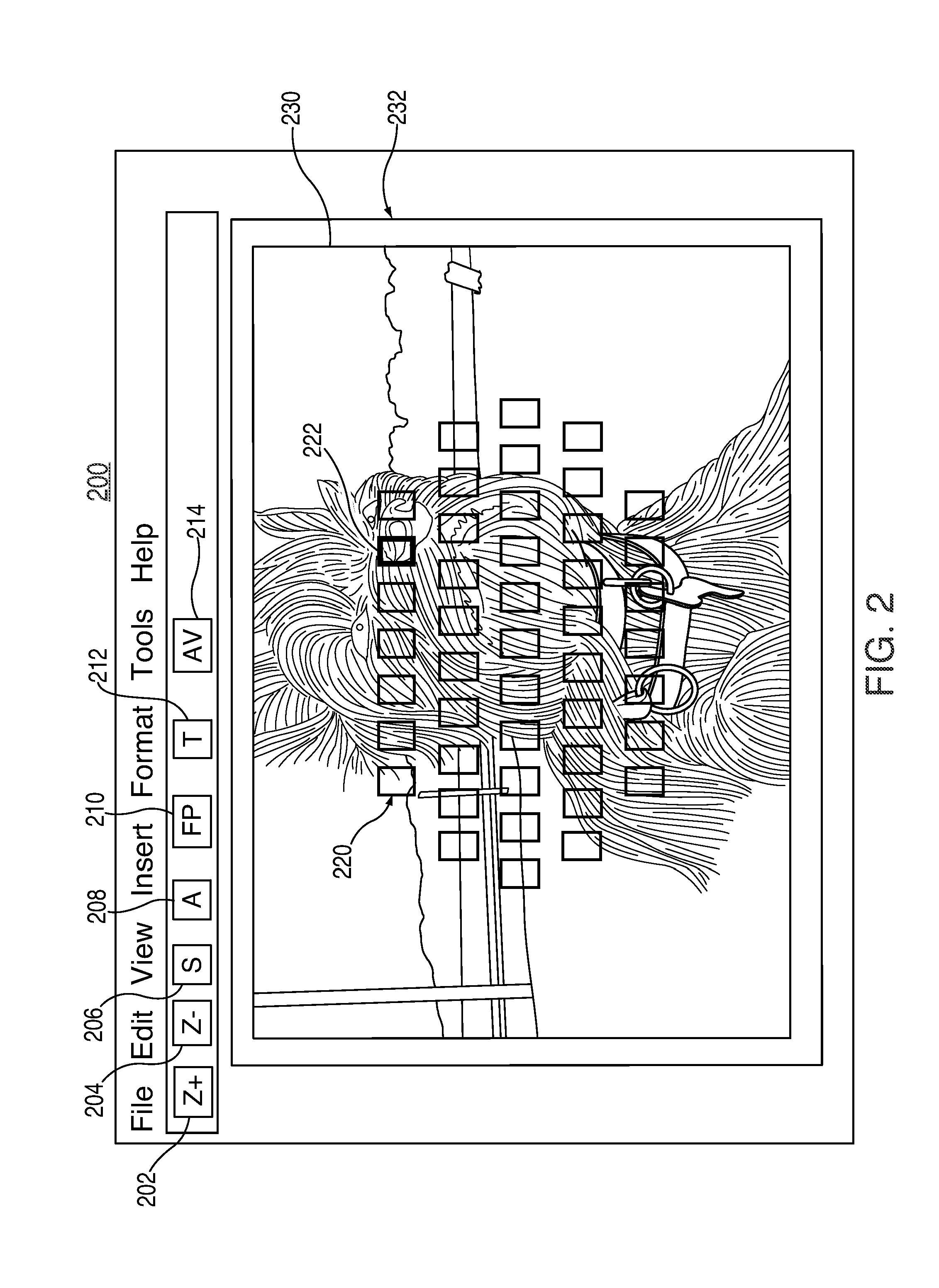
[0024]An image processing system may be configured to allow a user to view images in either a “scaled-to-fit” mode or at a particular, fixed, zoom level (e.g., 1× or 2×). The user may also be provided with the ability to switch back and forth between these two modes using a keyboard “shortcut” (e.g., ‘z’ or ‘Ctrl−+’), a menu option, a mouse gesture, or any other suitable option. In the case of the keyboard shortcut, the image may simply be zoomed by a predetermined zoom level about the center of the image, even though the center may often not be the photographer's primary area of interest and / or the in-focus portion of the image. In the case of the mouse gesture, the image can be zoomed to the location of a mouse click on the image. While this approach may be somewhat of an improvement, it relies on the user trying to guess what the photo...
PUM
 Login to View More
 Abstract
Description
Claims
Application Information
 Login to View More