
Method, system, apparatus, and computer program product for controlling and browsing a virtual book
a virtual book and control technology, applied in the field of virtual book control and program product, can solve the problems of difficult to handle soft and flexible pages of books/magazines, the book is a subtle and complicated process, and the majority of people do not find this a particularly convenient way, so as to maximize the ease of browsing through the virtual book, the effect of effectively and quickly controlling and browsing a virtual book
- Summary
- Abstract
- Description
- Claims
- Application Information
AI Technical Summary
Benefits of technology
Problems solved by technology
Method used
Image

Examples
Embodiment Construction
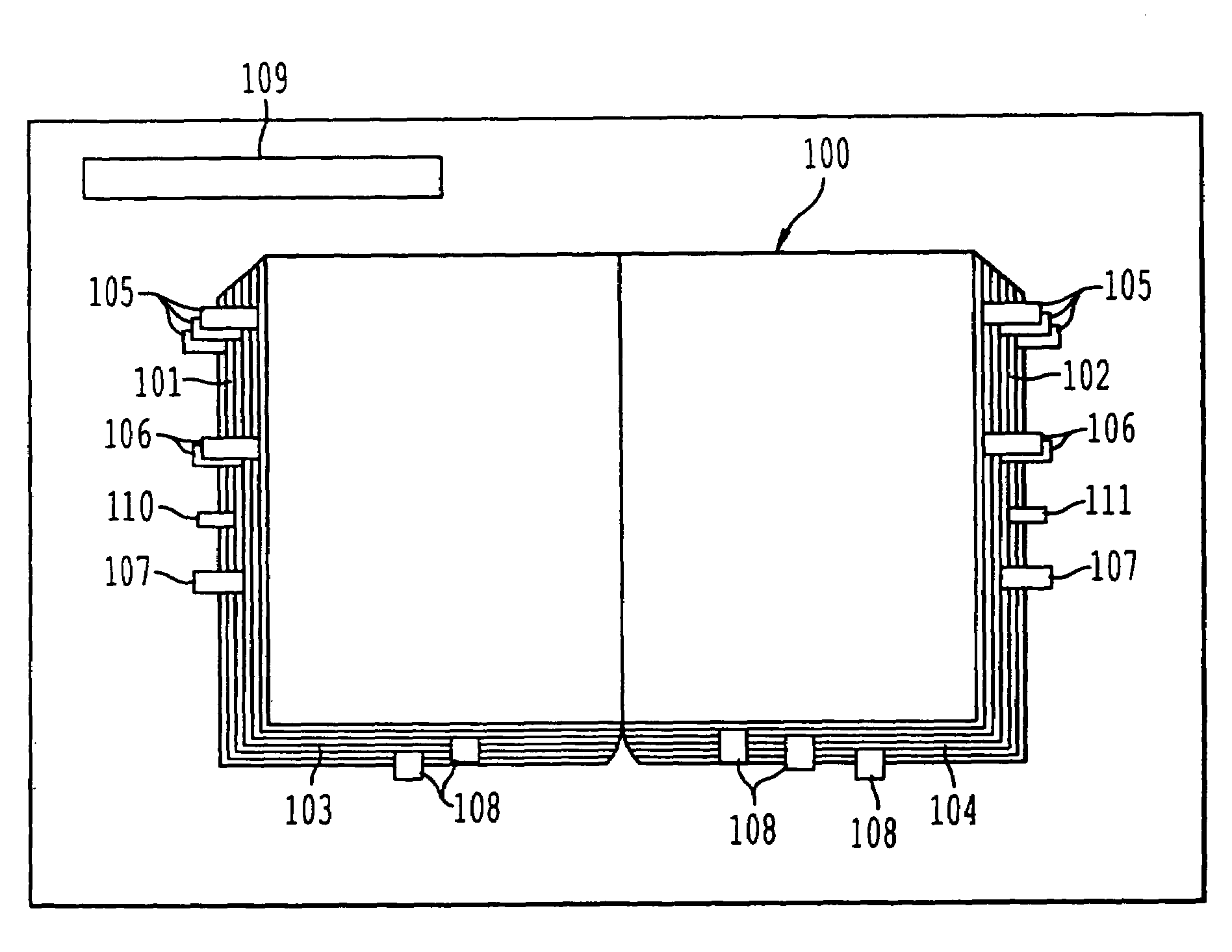
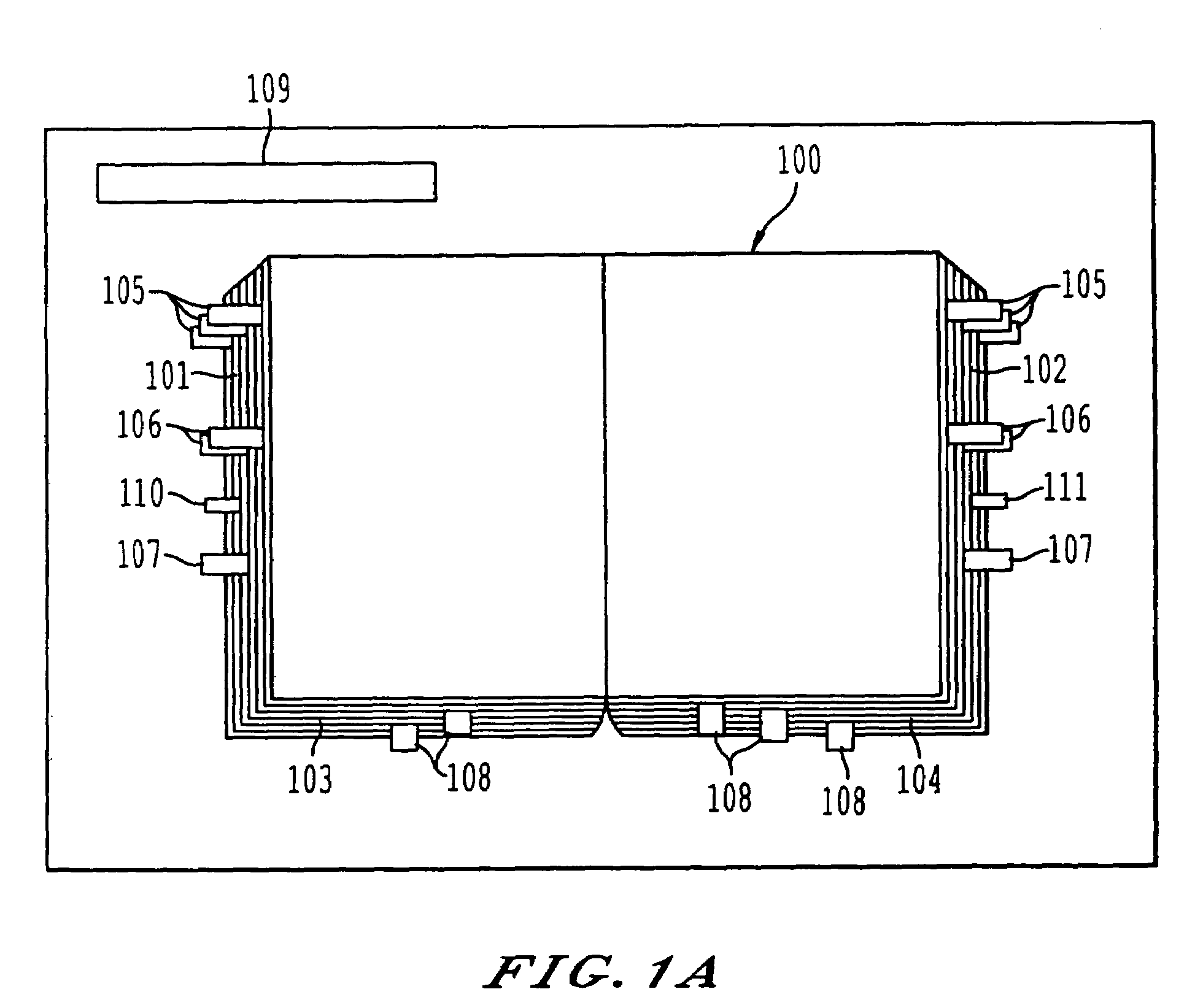
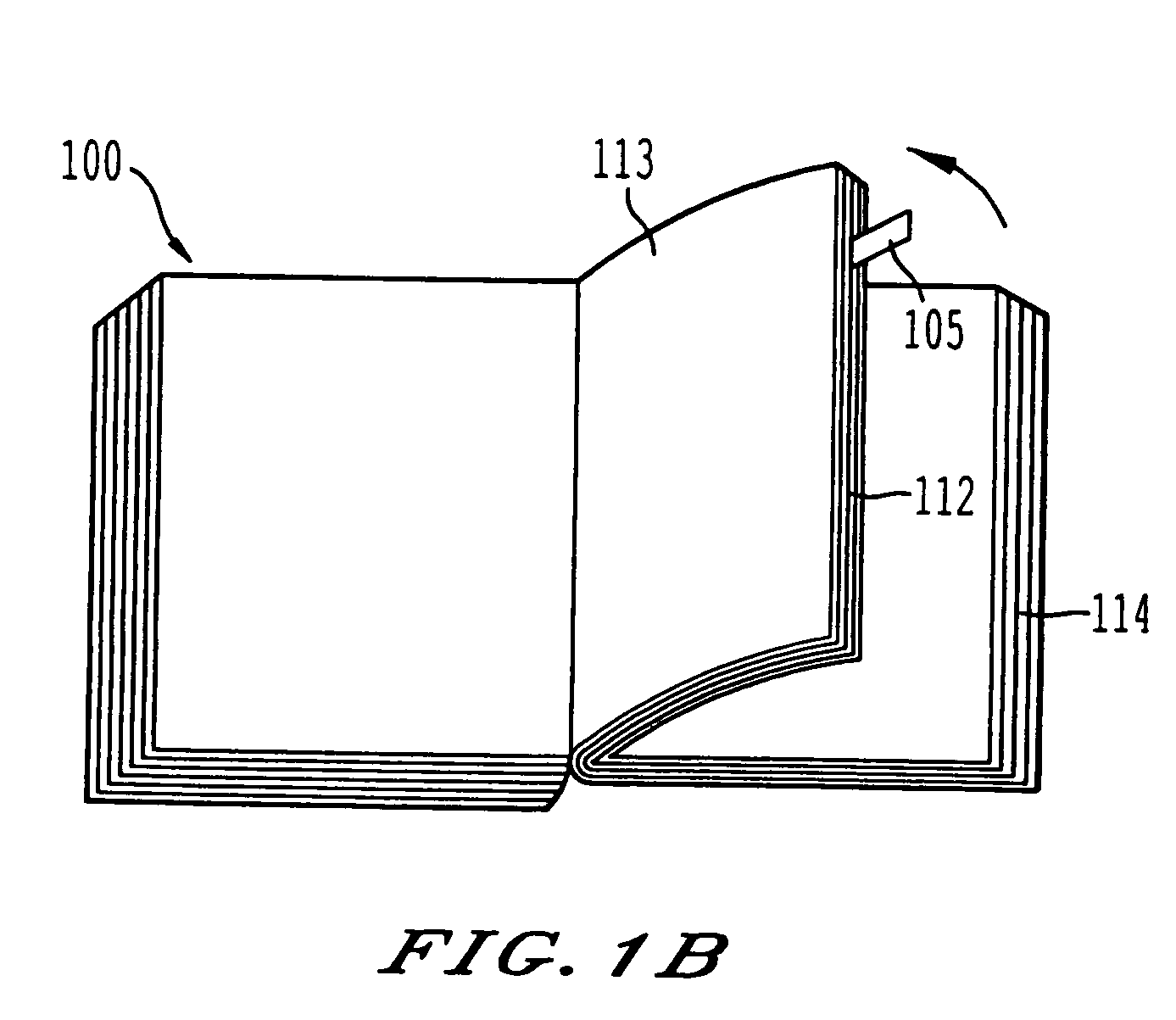
[0079]Referring now to the drawings, wherein like reference numerals designate identical or corresponding parts throughout the several views, and more particularly to FIG. 1A thereof which depicts one embodiment of the virtual book interface. Basically, the information is displayed on two pages as in an opened book. At this stage, a number of pages have been browsed through and collected in the “virtual book”100. The amount of material before and after the current pages (the pages in view) is shown as varying thicknesses on the left and right sides (101 and 102), respectively (as well as the left and right bottom edges (103 and 104)), of the book. On the left and right thicknesses (101 and 102) are shown a number of bookmarks (105-107) that bookmark some of the pages that have been viewed earlier. There are three types of bookmarks on these thicknesses. They are page-bookmarks 105, annotation bookmarks 106, and finger bookmarks 107. On the bottom thicknesses (103 and 104) are shown ...
PUM
 Login to View More
 Abstract
Description
Claims
Application Information
 Login to View More