
Method and device for navigating functional display regions of a graphical display
- Summary
- Abstract
- Description
- Claims
- Application Information
AI Technical Summary
Benefits of technology
Problems solved by technology
Method used
Image

Examples
first embodiment
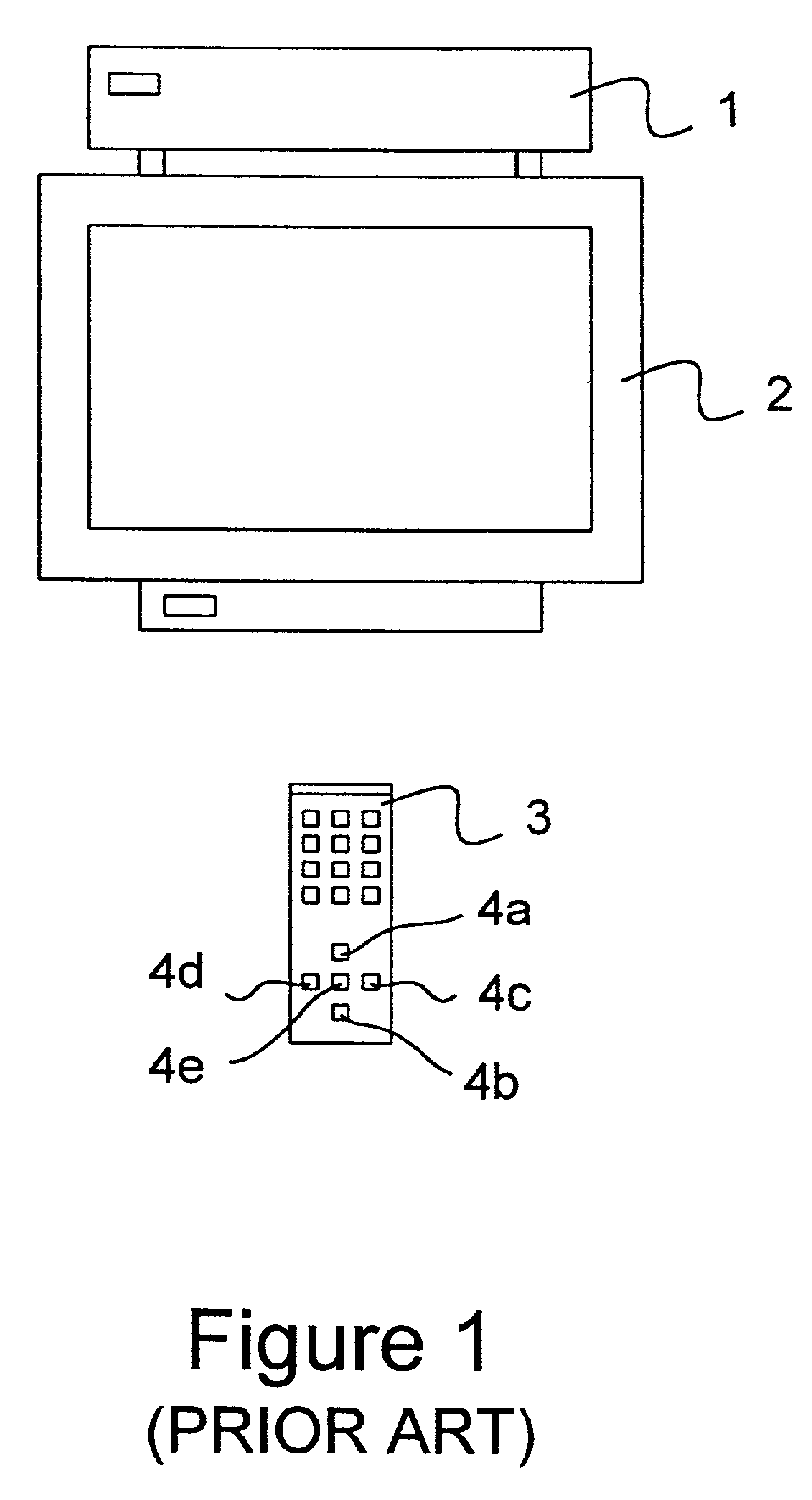
[0075]Referring to FIG. 4, display generating device according to the present invention is a digital set-top box 9 which is connected to a display device in the form of a conventional television set 10. The set-top box 9 is controlled using a remote control unit 11 having up, down, right and left keys 12a, 12b, 12c, 12d and a select button 12e. In this case, up, down, right and left directions correspond to movement as seen on the television set 10.
[0076]The set-top box 9 comprises one or several input ports (not shown) including a port for a satellite antenna dish, a port for a terrestrial antenna, a port for a cable link and a port for a broadband internet connection and an output port (not shown) for connection to the television set. The set-top box 9 further comprises a microprocessor, memory, front-end tuner for filtering the signal, a video chip for rendering an image on the television set 10 and a user interface (not shown).
[0077]The set-top box 9 may be used to receive and d...
second embodiment
[0125]Referring to FIG. 17, the present invention is a personal computer (PC) system 42. The PC system comprises a hardware box 43, a monitor display 44, a keyboard 45 and a mouse 46. The keyboard includes up, down, right and left arrow keys 47a, 47b, 47c, 47d and an ‘ENTER’ key 47e.
[0126]The hardware box 43 houses a microprocessor, memory, storage media and input / output ports (not shown). The PC runs an operating system such as Microsoft™ Windows 95.
[0127]Referring to FIG. 18, when the PC is switched on and the operating system is running, a desktop 48 is displayed on the monitor. The desktop 48 comprises a control bar 49 and several file icons 50a–d.
[0128]To select a file 50, the user may use the mouse 46 or the keyboard 45. For keyboard operation, the operating system co-ordinates movement of the focus in a manner which will now be described.
[0129]Referring to FIG. 19a, a focus is 51 is shown, together with links 52a–d associated with file icons 50a–d respectively. The focus 51...
PUM
 Login to View More
 Abstract
Description
Claims
Application Information
 Login to View More