Method for automatically popping up authentication page in WiFi authentication based on iOS terminal
An authentication page and automatic pop-up technology, which is applied to security devices, electrical components, transmission systems, etc., can solve the problem that WiFi authentication cannot automatically pop up the authentication page, etc.
- Summary
- Abstract
- Description
- Claims
- Application Information
AI Technical Summary
Problems solved by technology
Method used
Image

Examples
Embodiment 1
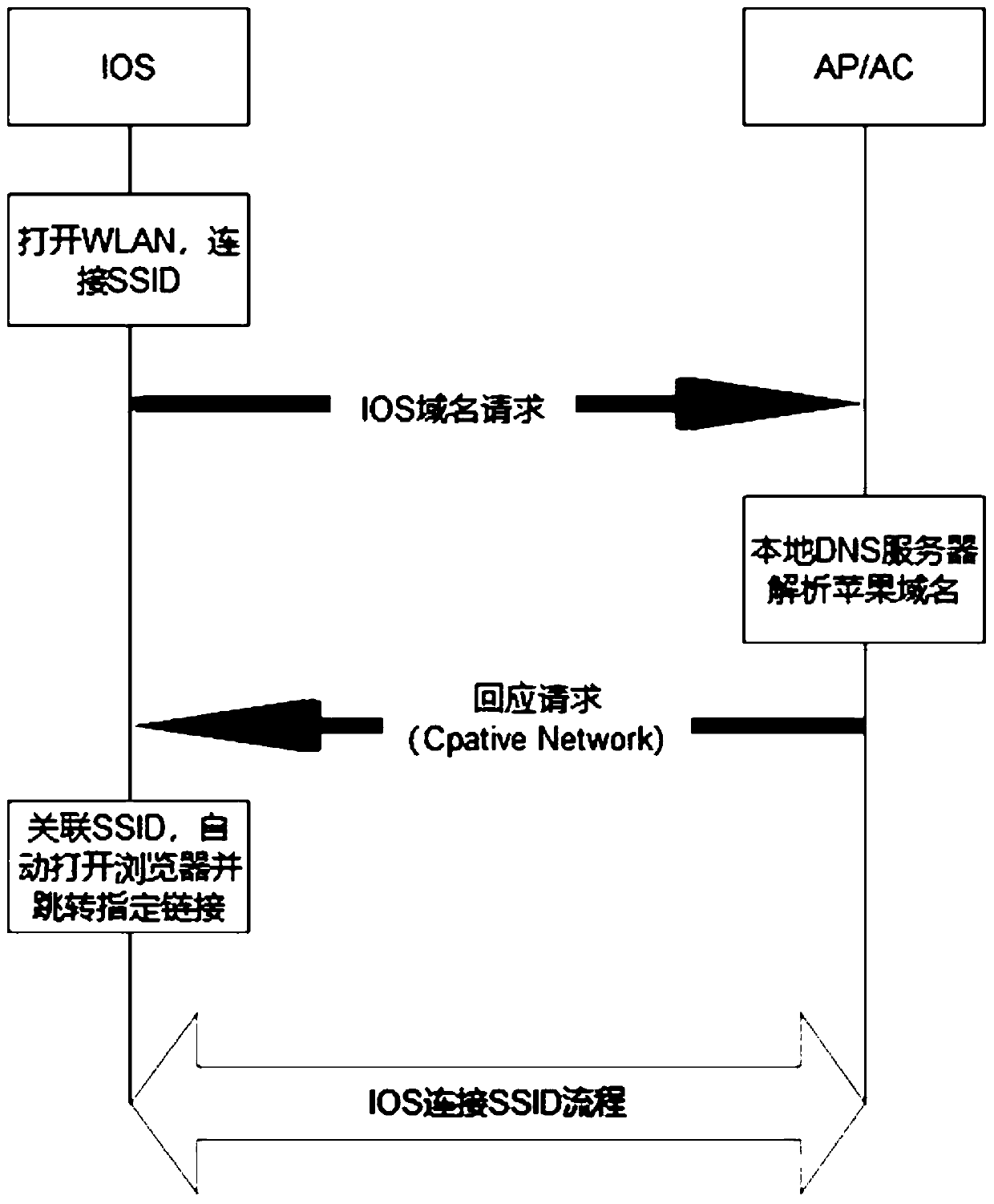
[0021] A method for automatically popping up an authentication page based on iOS terminal WiFi authentication, comprising:
[0022] Step 1: Install the packet capture tool on the computer to locate the message: connect the IOS mobile phone to the corresponding wireless device AC, capture the packet sent by the iOS terminal, and check the location;
[0023] When the iOS terminal accesses the wireless network with the Portal mechanism, the iOS terminal will actively send a network sniffing request to the server, the address is http: / / captive.apple.com / hotspot-detect.html, and the request is sent according to the HTTP 1.0 protocol. And the User-Agent keyword is CaptiveNetworkSupport. The device will reply the redirection to the first detection request. After receiving the redirection request, the iOS terminal will visit the redirection address and open the Portal page. For this process, the packet capture tool checks and analyzes the corresponding access request;
[0024] Step ...
PUM
 Login to View More
 Abstract
Description
Claims
Application Information
 Login to View More
PatSnap Eureka turns technology decisions into work you can execute. Powered by our Innovation Knowledge Graph, it runs expert workflows across engineering, life sciences, materials and intellectual property. Get your review-ready output in minutes.


