However these systems and method suffer many disadvantages.
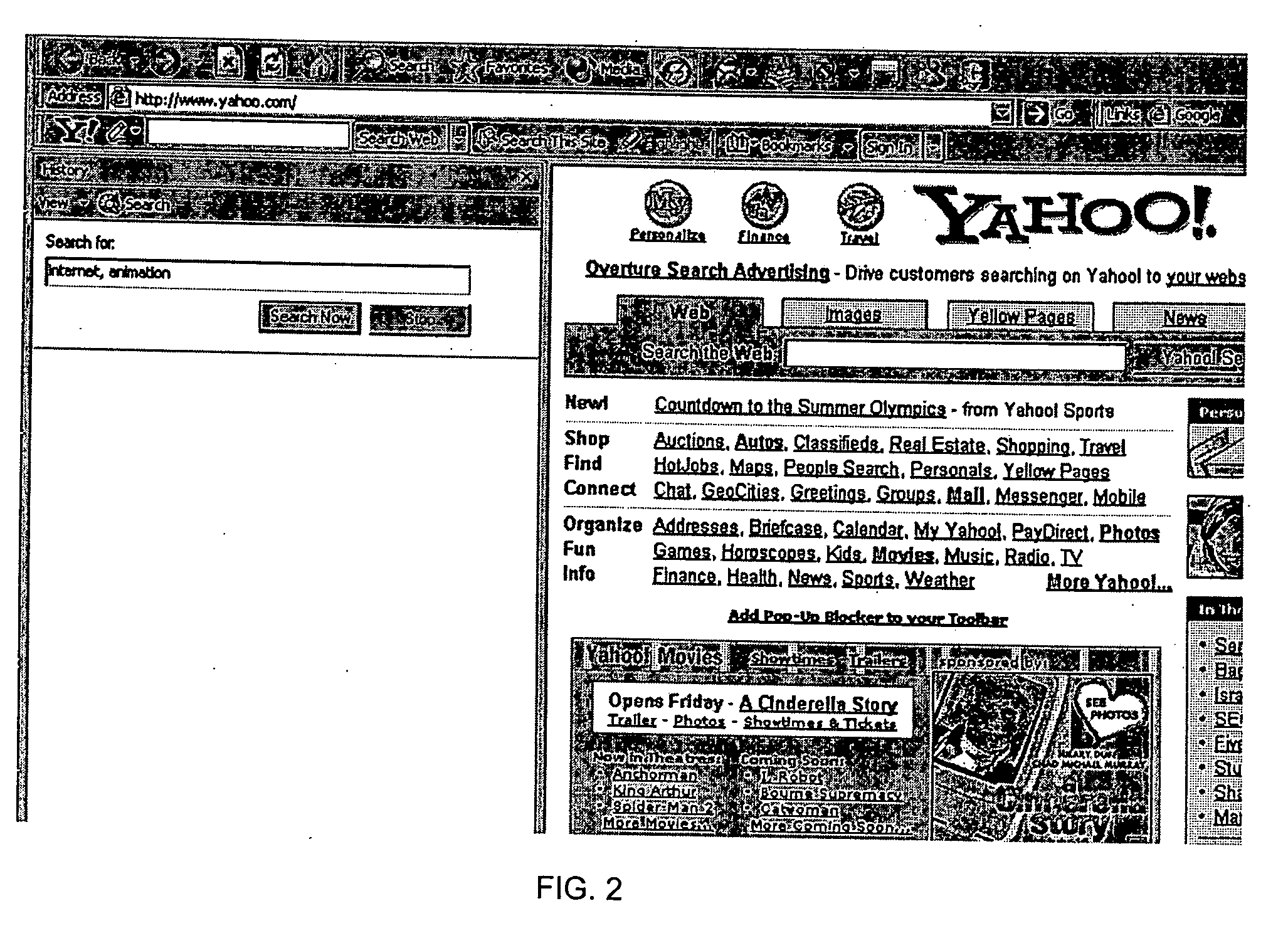
The disadvantages of such a history search include the possibility that links to pages visited many days ago may not be kept in the history folder, as the history folder may only keep records of those web resources browsed within a certain number of days such as the most recent 30 days. FIG. 2 shows that no visited page was found for the query “internet,
animation”.
Additionally, the speed with which the history search is performed may be very slow compared to the speed of a search performed by a engine search.
Furthermore, the results shown in a history search pane are not well presented and are generally not ranked appropriately. FIG. 3 shows the history search result for the stock ticker ‘OVTI’ where only brief titles for the links are displayed and there are many totally irrelevant pages displayed.
If the user has saved a copy of the
web resource locally, it may be difficult for the user to find the article given that in many cases the user can't remember in which folder the article was put.
The user may input a key word to search the files in the local PC, but the process is generally slow and it may take many minutes for the user to get any results.
As shown, the search results are not well organized in a
user friendly manner.
This problem is such that the Microsoft Corporation has noticed it and is researching ways to improve the ‘search’ functionality of computing machines.
Even if Microsoft can achieve an economic and efficient local searching engine it will remain suspicious as it involves the great cost of updating and managing index tables for the words inside the content files.
One such defect relates to the interruption of the user's normal work on the
local machine for the purpose of saving online files.
All these actions interrupt the user's normal online experience.
Additionally, local saving solutions usually only allow the user to save the entire online page.
The saving solutions never recognize and allow the user to save the user's online actions related to objects inside the page.
Further, these solutions do not allows the user to select a section inside the page to save.
For example, when the user wishes to store only one interesting eCommerce offering out of many offerings in a given page or save only given paragraphs in the page, the user has to open a local file and copy and paste the selected parts which is very inconvenient for the user.
For example, it is not convenient for the user to access the user's PC, when the user is using a different PC.
Finally, it may be difficult for the user to selectively share the information stored, collaborate with peers, and make and get recommendations to and from peers based on the information stored.
However these products usually include many popup ads which usually bother the user.
These products further do not have the functionality enabling the user to selectively collect the information per the user's real time requests.
Users have no control over which files and behaviors are collected by the products and users cannot use or retrieve the collected information.
This poses a serious
threat to the user's privacy.
However, this solution is limited to the user's financial activities such as banking and billing and is not effective in collecting and managing the user's other online activities such as browsing, searching and shopping.
The cookie solution also raises privacy concerns although the P3P is attempting to solve the problem partially.
The other limitation of the cookie solution is that cookies cannot be used across web sites by nature, as cookie information in a
web site cannot be used by the other websites.
Finally, a major problem with the cookie solution is that the information stored in the cookies cannot help users manage and retrieve their online activities.
However, this solution is limited to the specific site and it is impossible for users to manage and retrieve their behavior across websites.



 Login to View More
  Login to View More