

Electronic device, signal compensation device and signal compensation method
a technology of compensation device and signal compensation, which is applied in the direction of turn-sensitive devices, generators/motors, instruments, etc., can solve the problems of so-called temperature drift, failure of automatic scrolling of images displayed on display units, etc., and achieve low response rate, no increase in complexity of processing system, and efficient processing
- Summary
- Abstract
- Description
- Claims
- Application Information
AI Technical Summary
Benefits of technology
Problems solved by technology
Method used
Image

Examples
use example
[0094](Use Example)
[0095]The operation for purchasing content using the display device 1 will now be described.
[0096]FIG. 9 is a flowchart showing this operation.
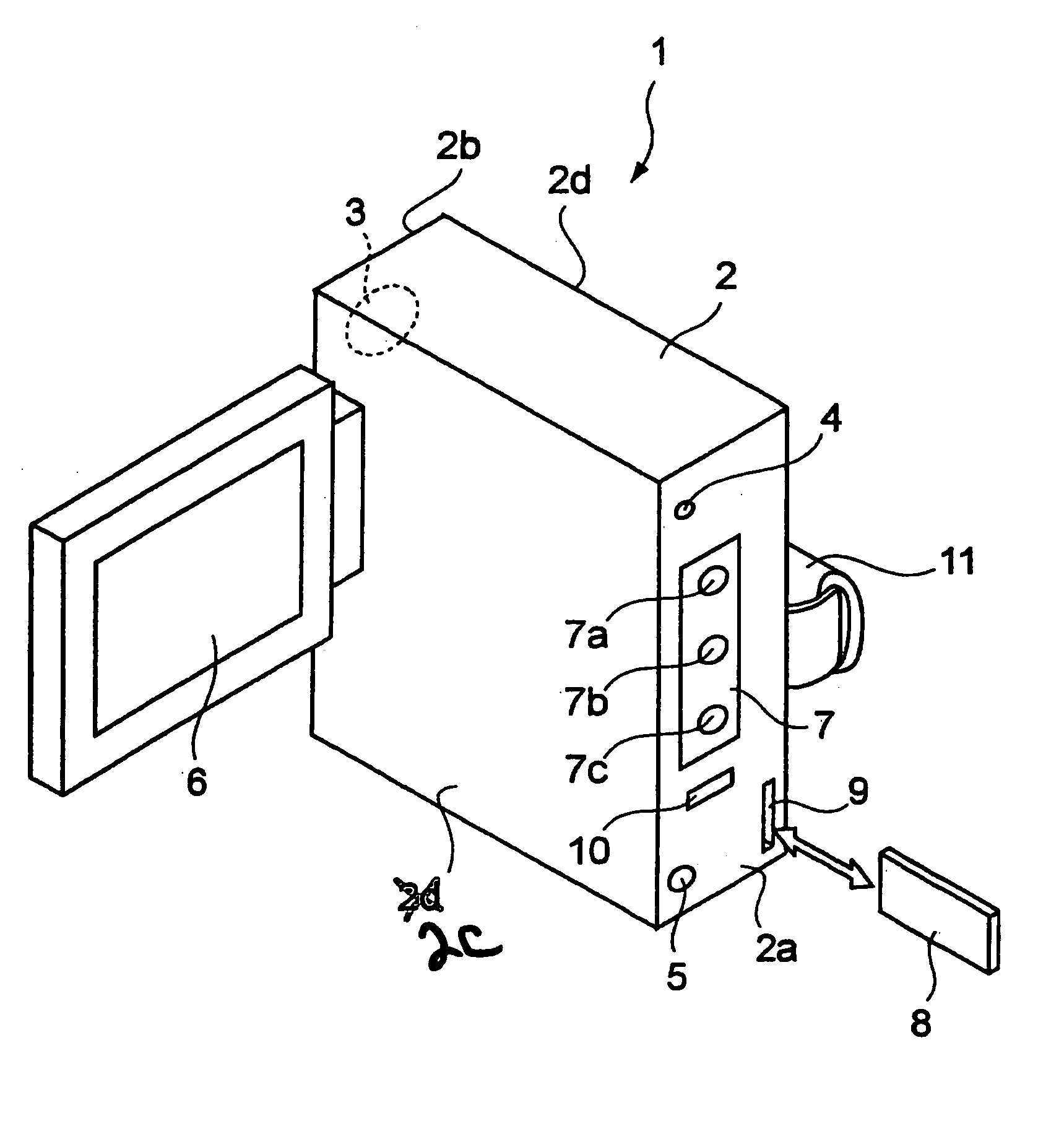
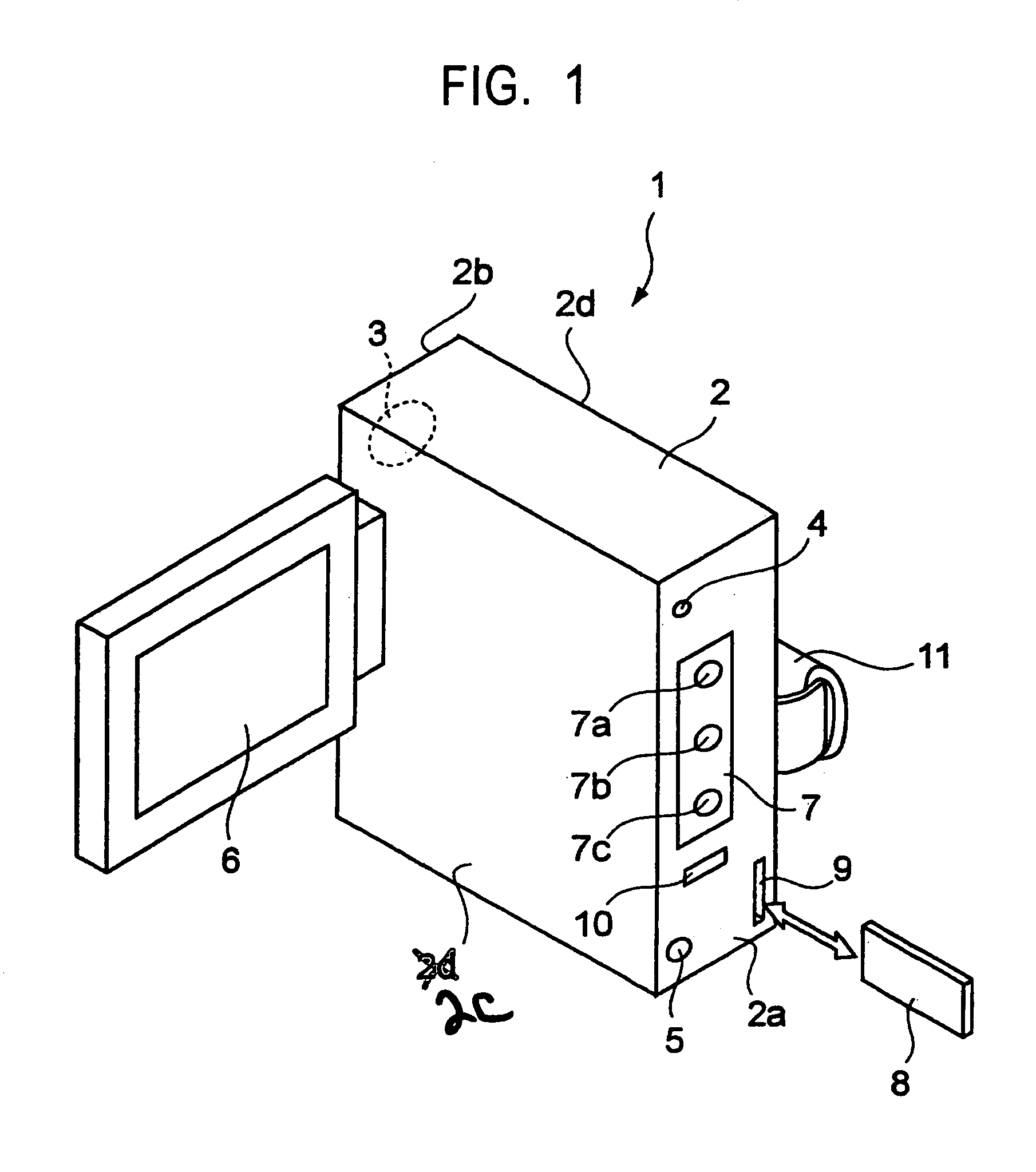
[0097]The display device 1 shows the initial screen on the display unit 6 upon power on (step 901). FIG. 10 is an illustration of an example of the initial screen. On the screen of the display unit 6 shown in FIG. 10, for example, “menu”, “restaurant”, “department store”, “cinema”, “food shop”, “map”, “picture”, “text input”, and so on are shown. Although not shown on this screen, other items underlie them, and the hidden items are to be viewed by moving down the display device 1 to scroll down the screen. A currently selectable item on the screen is highlighted (indicated by reference numeral 37 shown in FIG. 10), and the highlighted item 37 is selected when the OK button 7a is pressed. Such highlight is, for example, fixed on the screen. The screen is scrolled to move the items in the manner described above, thereby selec...
PUM
 Login to View More
 Abstract
Description
Claims
Application Information
 Login to View More